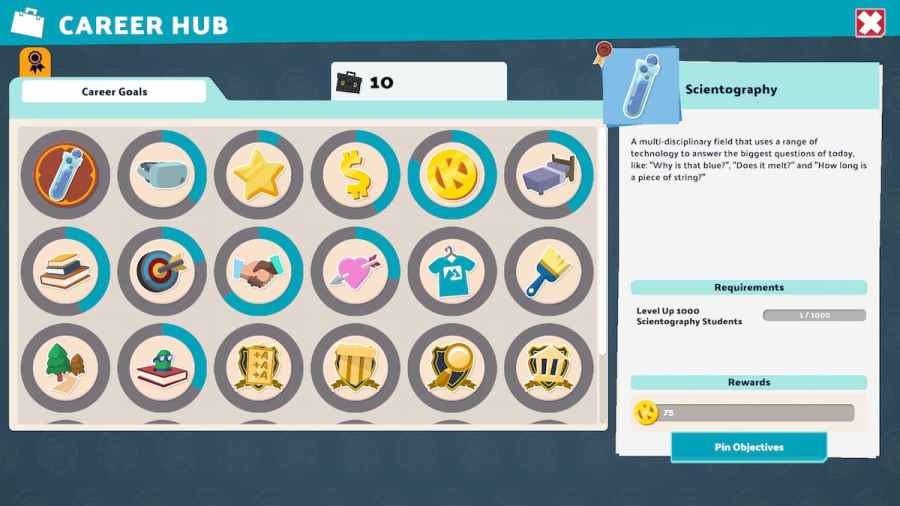
In Two Point Campus, Kudosh is a secondary currency used to unlock items. These are usually secondary room items that fulfil personal goals for students or increase prestige. But how do you get Kudosh, and what’s the best way to farm it? We’ve listed the ways to get Kudosh below. How to earn Kudosh in […]
Screenshots and Gposing (group posing) in Final Fantasy XIV is very fleshed out system. You can easily take incredible, cinematic screenshots with just a few clicks of a mouse or controller. But then where do the screenshots go? Well have no fear, because we’ve detailed how to find your screenshots on both Steam and non-Steam […]
In June 2022, Mojang unveiled a controversial change to Minecraft Java edition. That change was Chat and Player Reporting. Slated to be added in Minecraft Java edition 1.19.1, the new feature allowed anyone to report a message in Minecraft, and potentially have the sender of that message banned. These bans can be global, meaning you’ll […]
Student Happiness in Two Point Campus is an important mechanic. Happier students increase your Campus level, make their test scores better, and have better relationships with other students. Overall, this makes your college a better place. What’s more, for some Star objectives, you’ll need to keep Happiness above a certain level. Below, we’ve detailed how […]
Begginer or not, Final Fantasy XIV’s new Starter Guide Series is definitely one to watch. Launched on August 8, 2022, the animated guide series showcases how to get started in FFXIV. For a game over a decade old, with its oldest available content around nine years old, it’s useful to have a guide for beginners. […]