To complete the Globetrotter Challenge in BitLife, players will need to achieve the following main objectives: Set foot in 30+ Countries Have lovers from 8+ Countries Emigrate 8+ Times Own 5+ Aircraft Own 5+ Watercraft Completing the Globetrotter Challenge is easy once you know how to achieve each objective in the challenge. Start by creating any […]
During the Blindness mission in Ghostwire: Tokyo, you will be trapped inside a barrier after cleansing the Torii Gate. To get out of this barrier, you must find and destroy the various barrier stone upholding the dome barrier. There are a total of four barrier stones, and they are all present adjacent to each other. Location […]
As part of the Black Tower mission in Ghostwire: Tokyo, you will be required to scout and locate items like gasoline and turbine wheel from the top of a building using a pair of binoculars. Many players find the sub-quest to be quite hard as they will be either searching for a gas can or […]
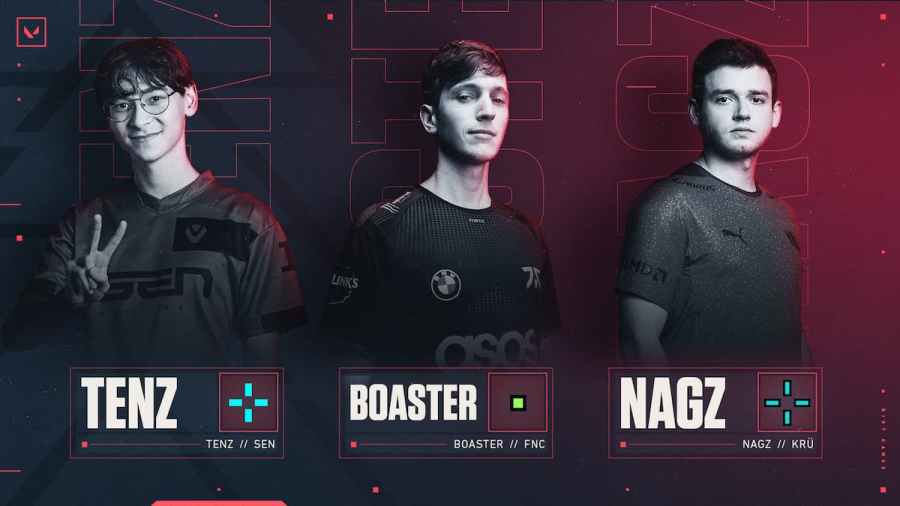
Various factors determine the outcome of your gameplay in Valorant. One such factor is the crosshair of your weapons. While crosshair is something preferential, you can always copy popular and proven crosshair codes used among the community to elevate your gameplay. If you don’t know any good crosshair for ranked matches, you can start by […]
In Valorant patch 4.05, the developers have added the long-requested feature of importing and exporting crosshairs to the base game. Now, players can easily copy the code of any crosshair instead of tediously typing them into the settings box. You can easily import or export any crosshair using the respective buttons near the crosshair profile […]