


One of the casual browser games that got extremely popular during the Pandemic to the extent that it even has a small active esports scene is Krunker. Its popularity is mainly associated with its fast-paced gameplay and various customization features for your character. One such popular feature is the reticle crosshair for your weapon.
Unlike other games, where the crosshair customization features are simple, with options to design one or two creative crosshairs, Krunker allows you to keep any image on the internet as your crosshair, provided it is available in a prescribed image format. So, if you are new to Krunker and want some fancy-looking crosshair for your character, browse the below listing and choose one that's to your liking.
How to change crosshair in Krunker
Before choosing a suitable crosshair, you must learn to change the crosshair in Krunker. To do this, follow the given steps.
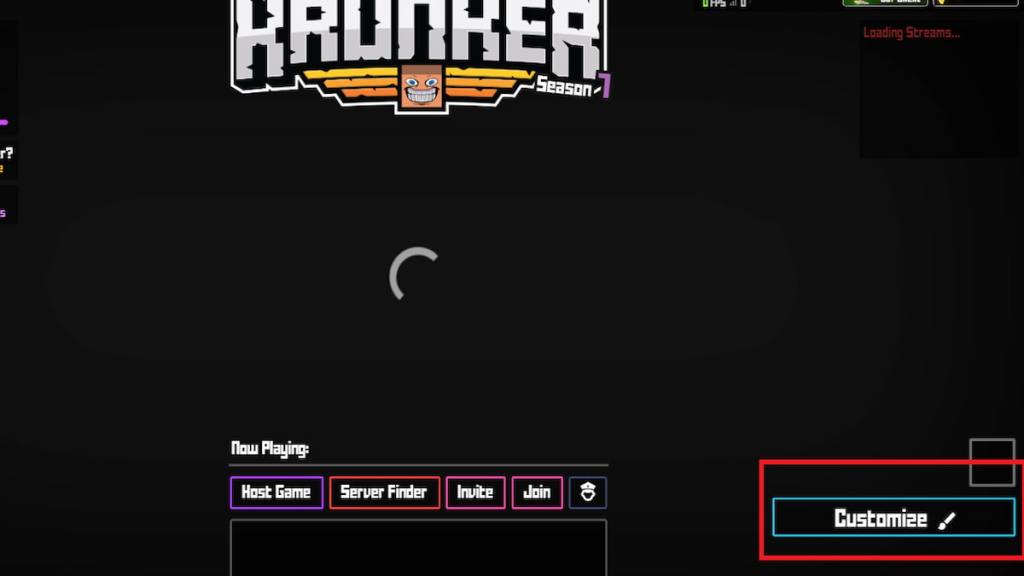
- Open Krunker on your respective devices and click the Customize option in the main menu.
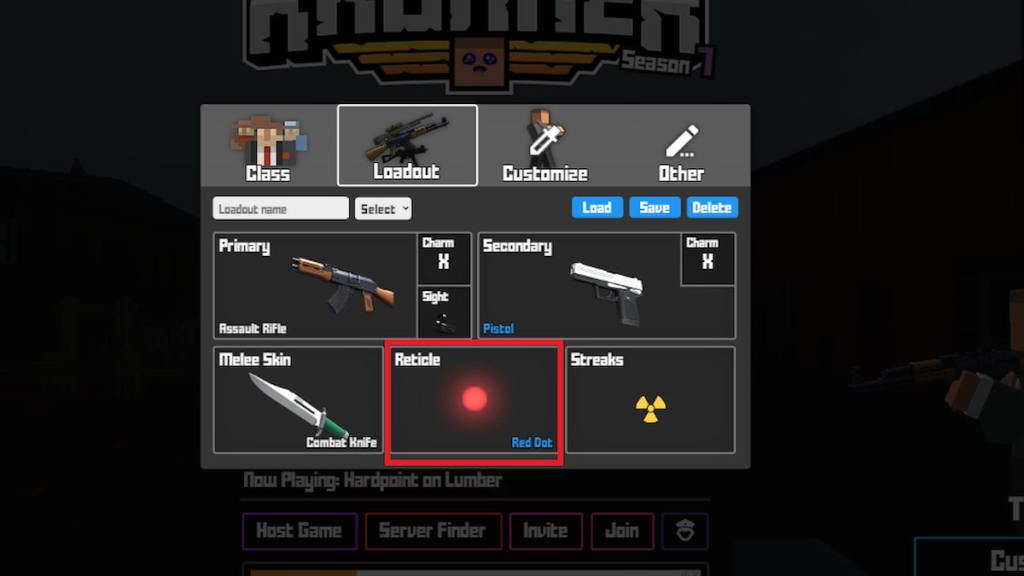
- In the new window, press the Loadout button and select the reticle option.
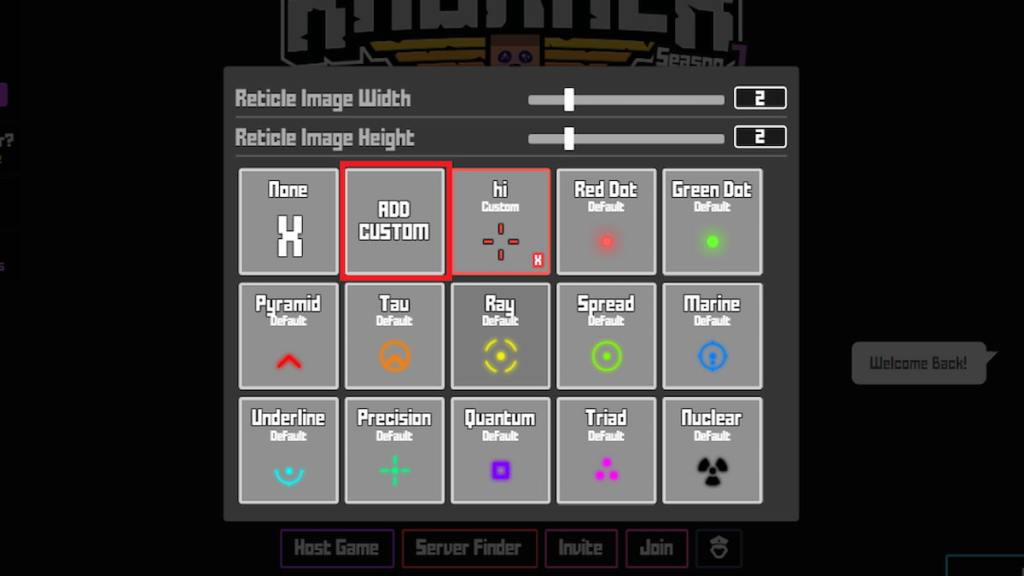
- Now, press the Add Custom option, and in the following window, give a name for your crosshair and paste the URL link of your crosshair image.
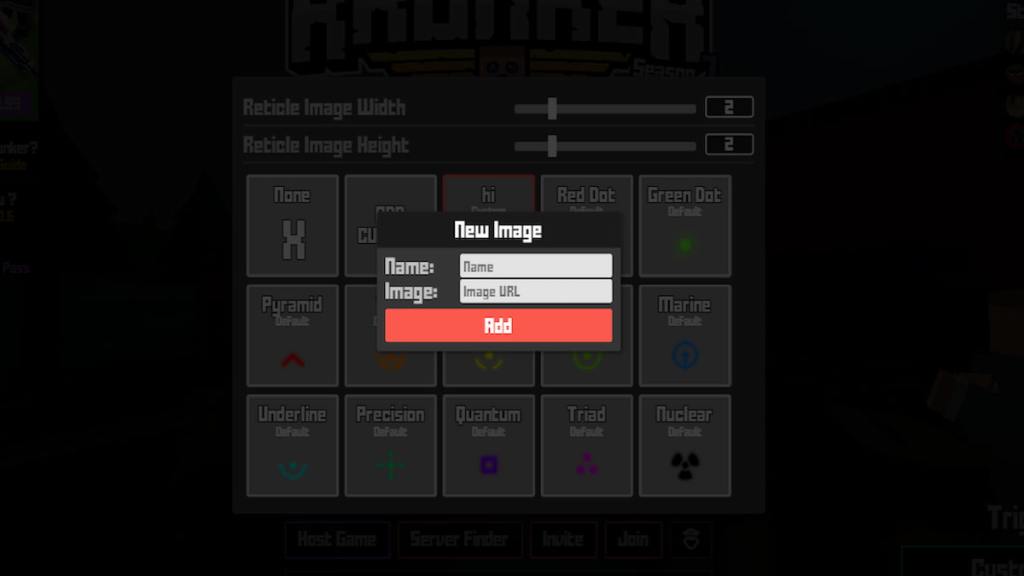
- Hit the Add button to add your new picture to the crosshair list. Voila! You have successfully added a new crosshair in Krunker.
Related: How to add friends on Krunker
Best Crosshair Settings in Krunker
Krunker Crosshair 1
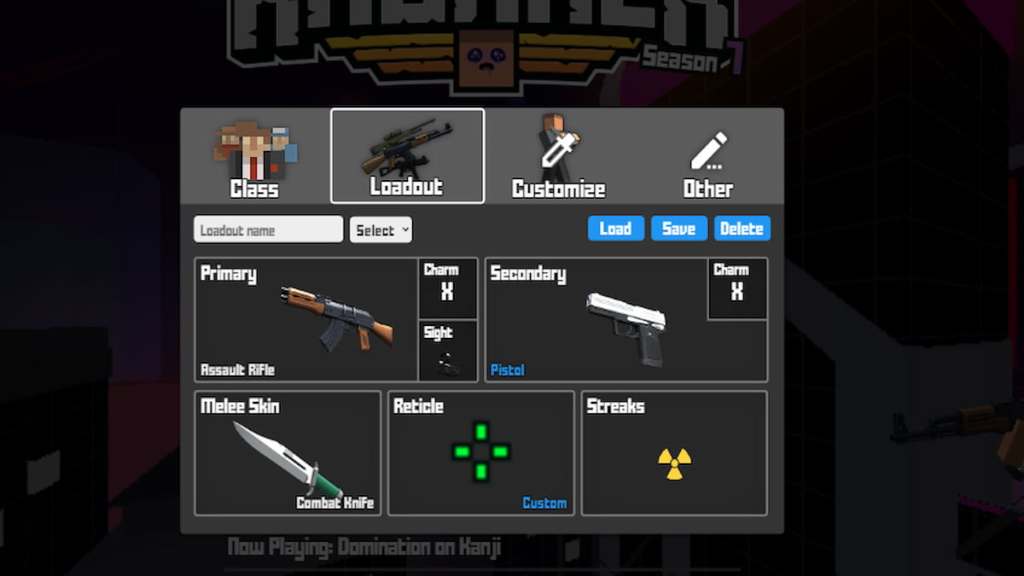
- Image Link: Krunker Crosshair 1
Krunker Crosshair 2
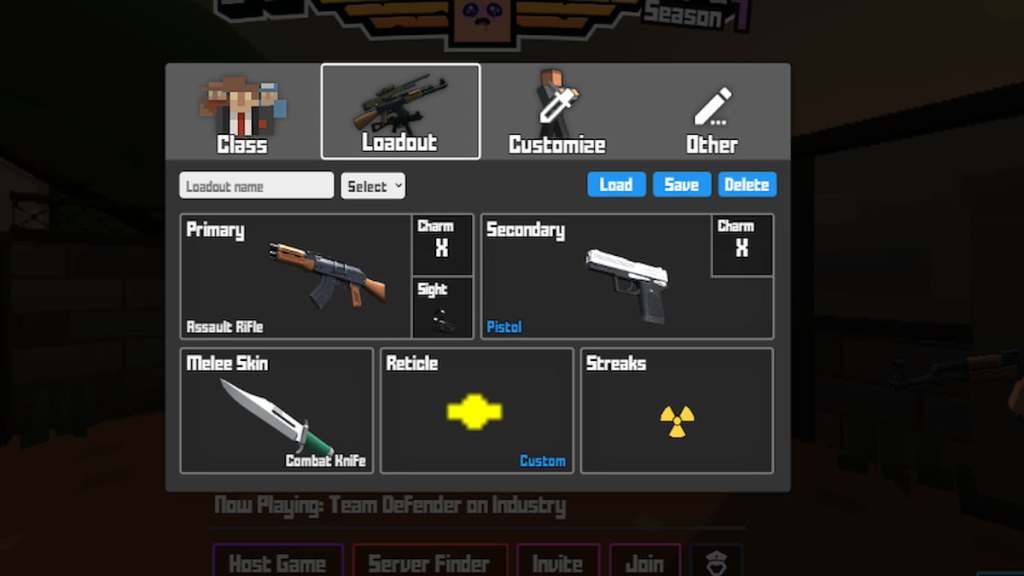
- Image Link: Krunker Crosshair 2
Krunker Crosshair 3
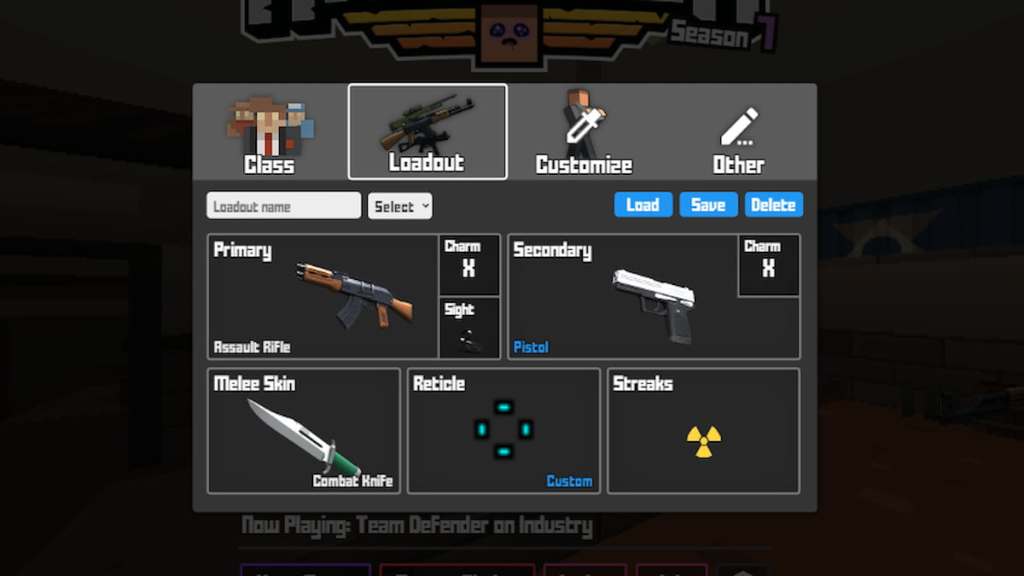
- Image Link: Krunker Crosshair 3
Krunker Crosshair 4
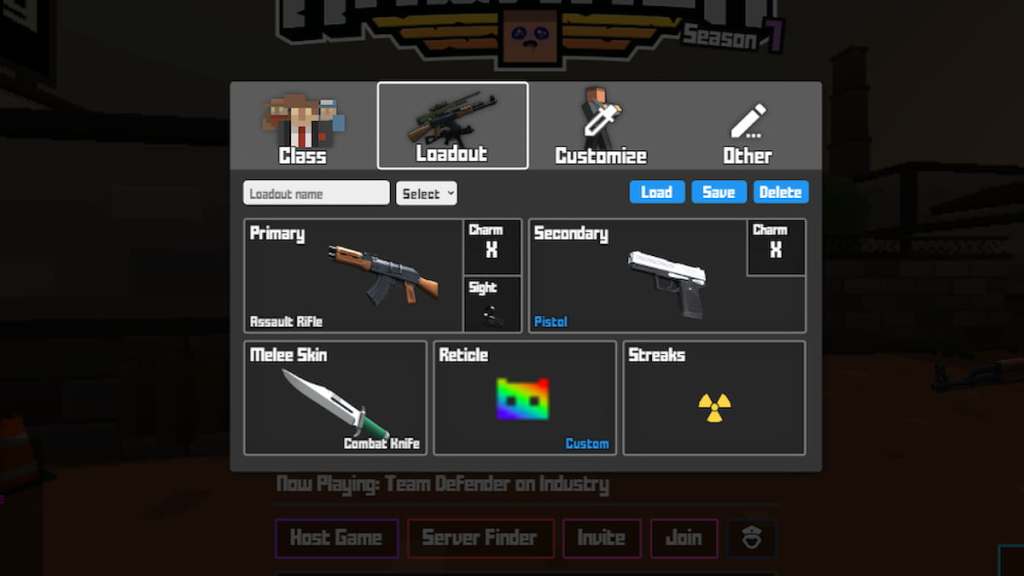
- Image Link: Krunker Crosshair 4
Krunker Crosshair 5
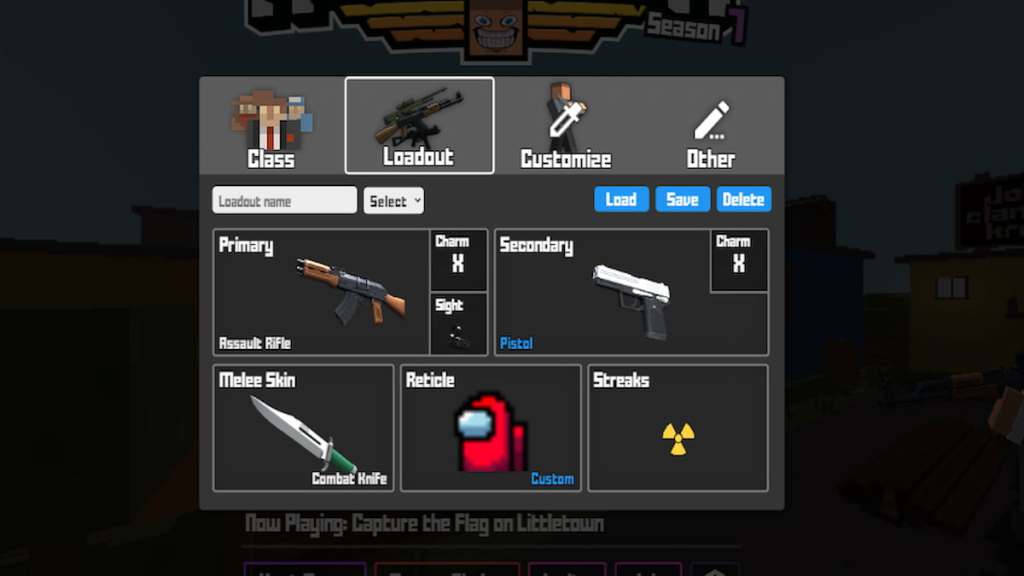
- Image Link: Krunker Crosshair 5
Krunker Crosshair 6
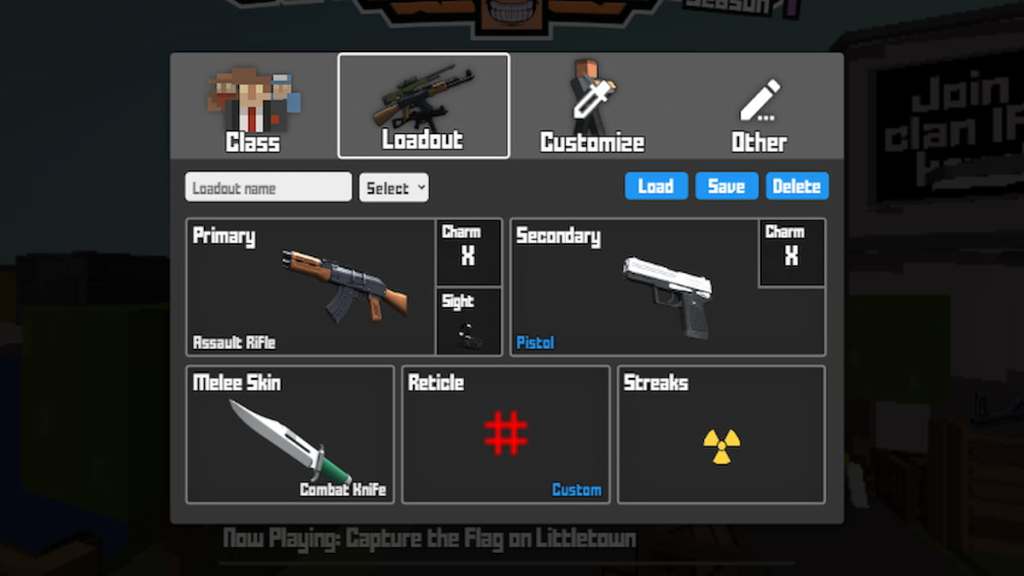
- Image Link: Krunker Crosshair 6
Krunker Crosshair 7
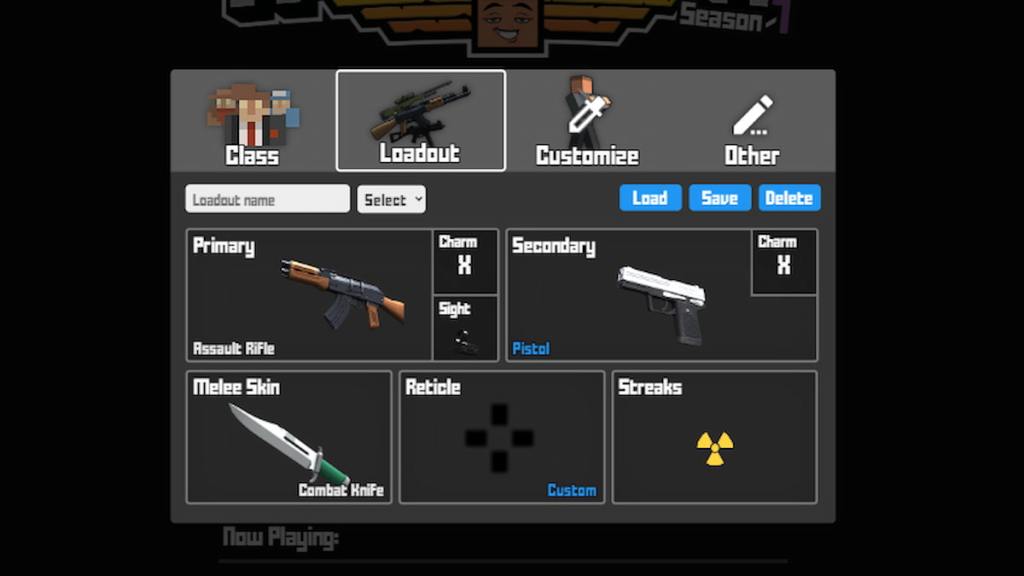
- Image Link: Krunker Crosshair 7
Krunker Crosshair 8
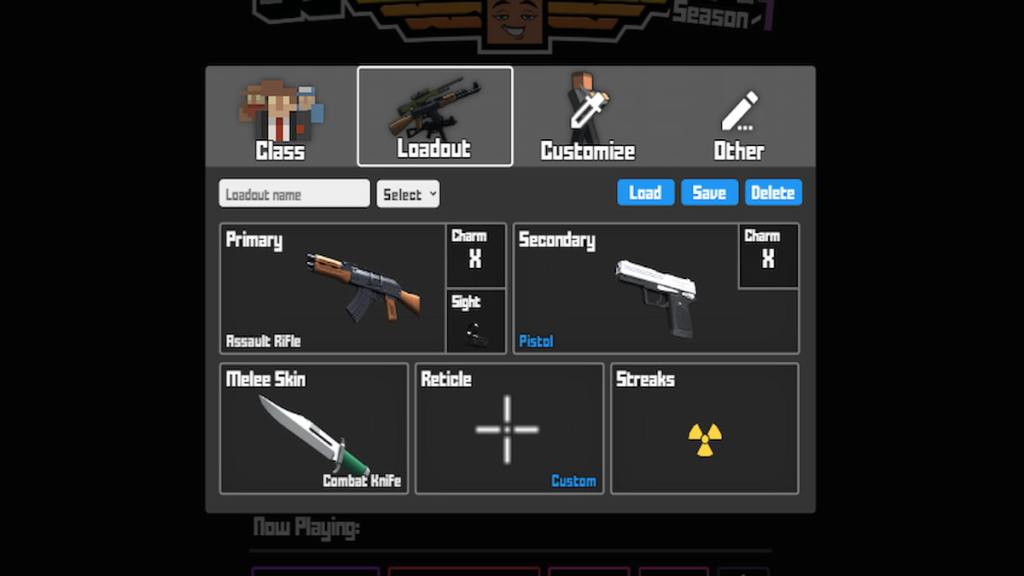
- Image Link: Krunker Crosshair 8
Krunker Crosshair 9
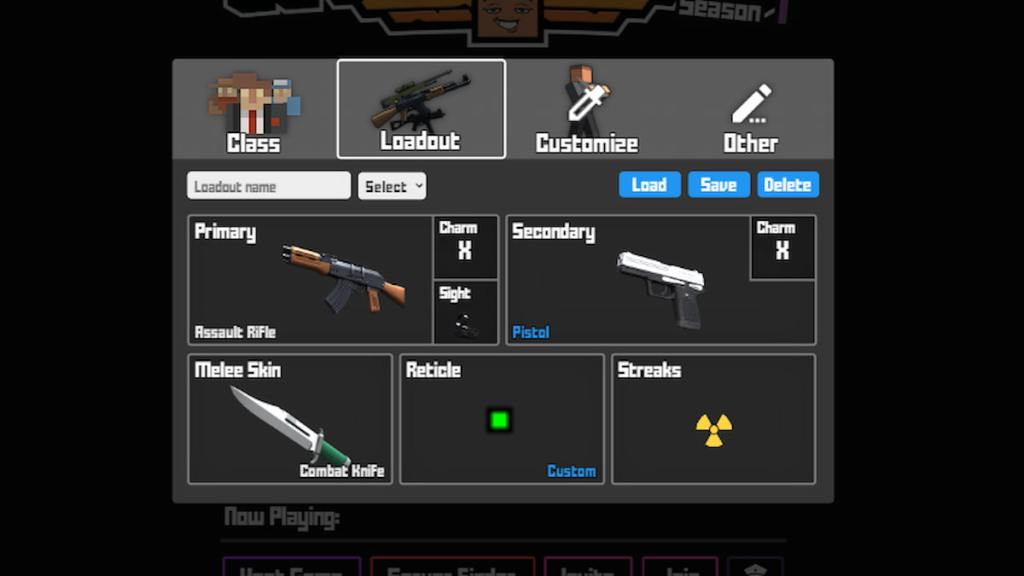
- Image Link: Krunker Crosshair 9
Krunker Crosshair 10
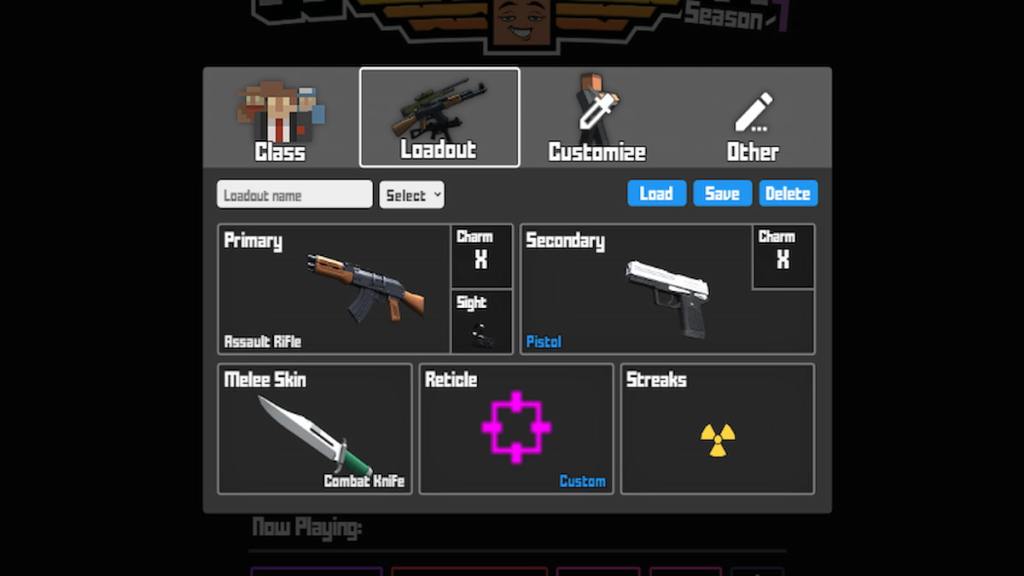
- Image Link: Krunker Crosshair 10
For more Guides, check out How to play 1v1.LoL Unblocked for Beginners or How to jump higher in Krunker on Pro Game Guides.


