Players can start a Plane in A Long Flight by long-pressing M to turn the key knob to start the ignition. Move forward by applying a little throttle with Shift, and raise the nose with W & S, respectively.
Like most survival games, A Long Flight has a minimal tutorial that covers the basics, but it's not enough to teach players every aspect of flying & survival. So, if you are wondering how to fly without pummeling it into the ground, here is a detailed guide.
How to pick up & drop off any object in A Long Flight
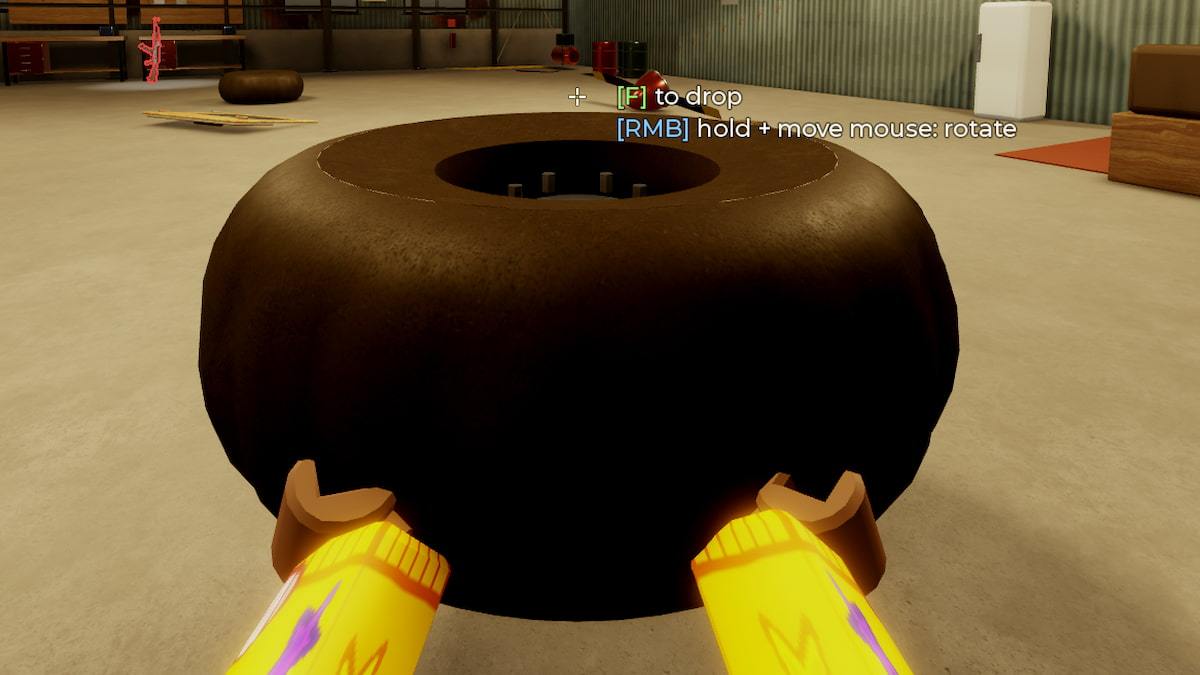
You can always pick up any object, like the Propeller, tires, or anything else, using the F button. Go near the object and press F to pick it up; press F again to drop it.
How to place any object in A Long Flight
To equip or place any object in A Long Flight, use the F button. For example, to place the Propeller in front of the Plane, pick it up from the ground, go near the front of the Plane, and press F again to place it.
How to unequip any parts in A Long Flight
You can unequip any parts attached to your Plane by long-pressing F. For example, to remove your tires, tilt your camera toward them, then press F to remove them from the base.
How to push or pull Planes in A Long Flight
If you don't like the Plane in a particular position, you can always pull it. Go near the Plane's body and press F to attach your arms to it. Then move in any direction to push or pull the Plane.
How to sit/exit your Plane in A Long Flight
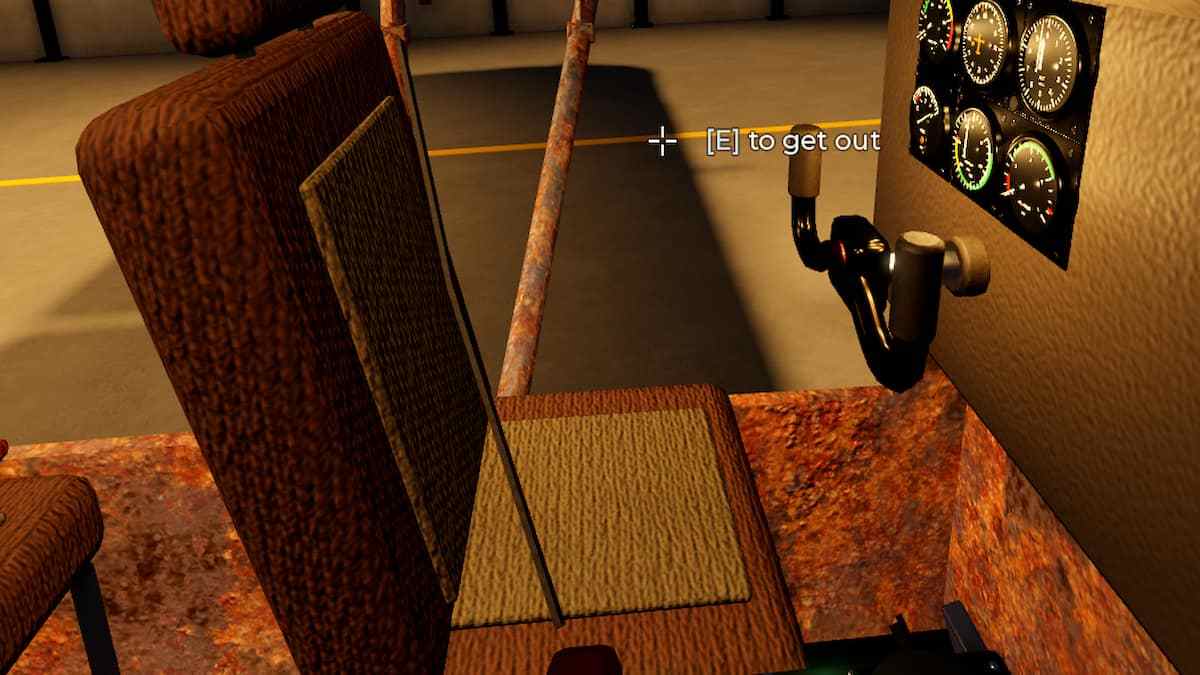
You can sit on any seat inside a Plane using the E button. This applies to both the pilot & passenger seats. Focus your camera on the seat and press the button to sit in it.
How to rotate any parts in A Long Flight
You can always inspect or rotate any part in A Long Flight by holding the object in hand using F and then pressing the RMB to flip/rorate.
How to attach a part to your Plane in A Long Flight
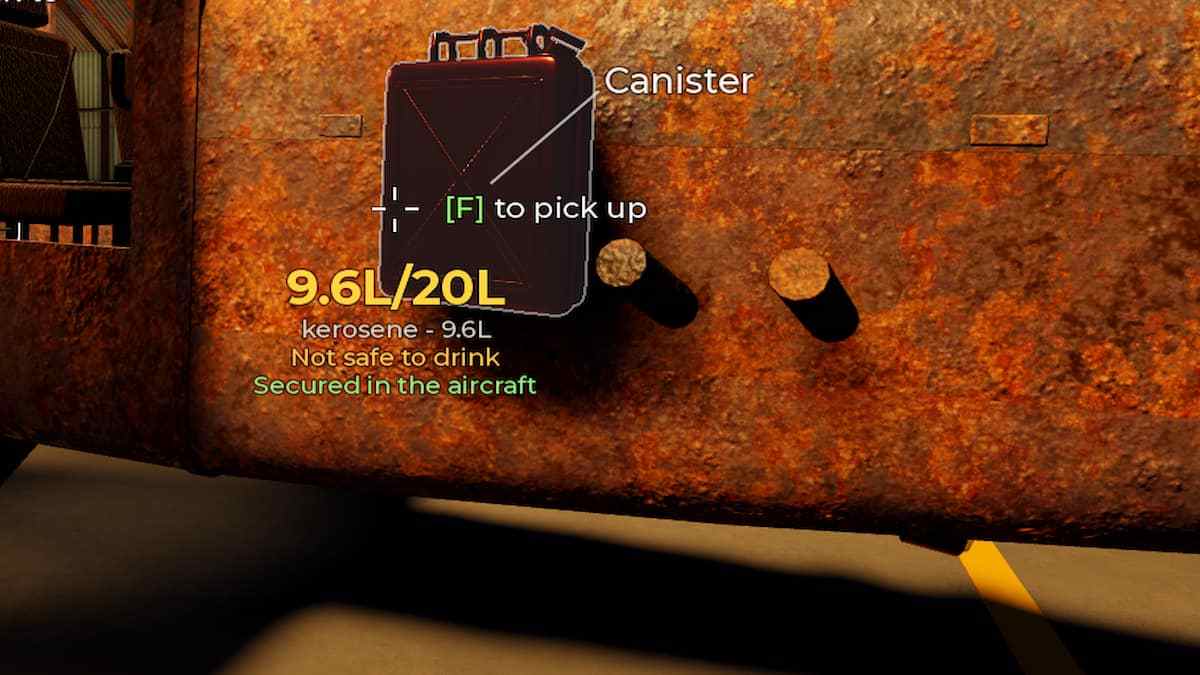
You can also attach parts to your Plane to carry as luggage during your trip. For example, you can attach your gas canister to your Plane by pressing G.
How to Shoot in A Long Flight
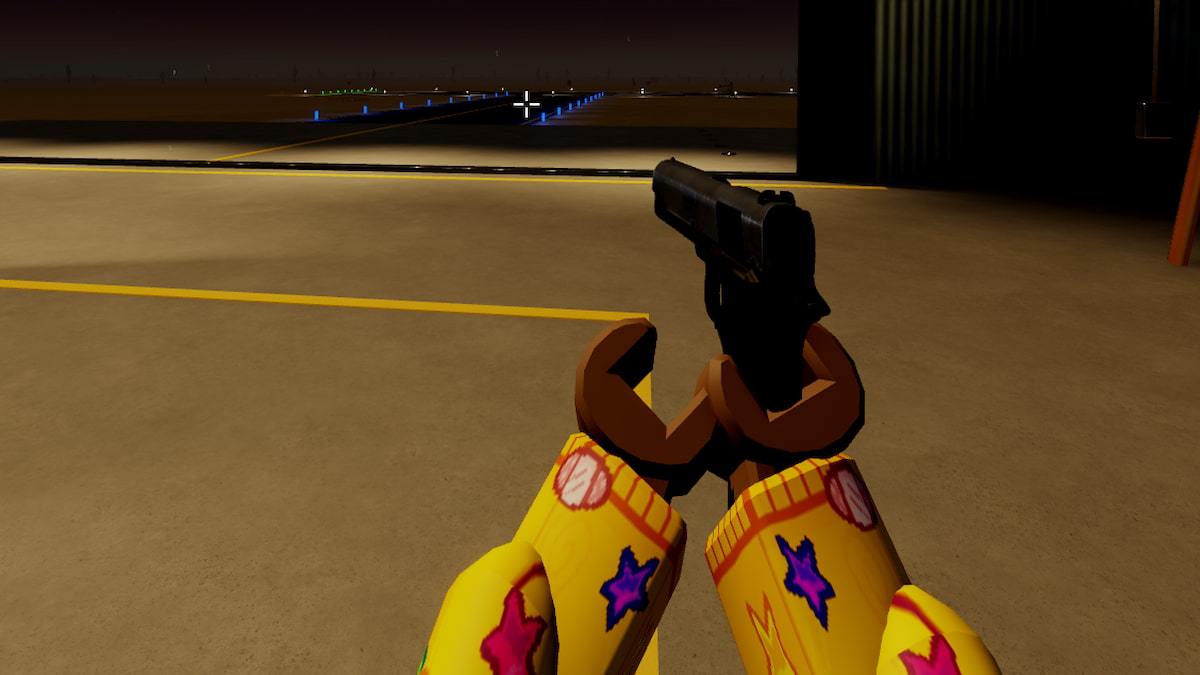
Handling weapons and shooting enemies are core parts of the game. Equip a gun in your hand by pressing 1 or 2 on your taskbar, then use the LMB to shoot at incoming enemies. If you are having a tough time aiming, use RMB to zoom in on targets and shoot more accurately.
Basic Flight Controls in A Long Flight
Below are the basic flight controls. This includes turning on the Engine, flying, moving, and other vital controls.
| Button | Control Description |
|---|---|
| M | Hold to start the engine |
| W | Nose down |
| S | Nose up |
| A | Bank left |
| D | Bank right |
| Q | Rudder left |
| E | Rudder right |
| Shift | More throttle |
| Ctrl | Less throttle |
| B | Brake |
| P | Toggle parking brake |
| L | Lights |
| V | Outside view |
| T | Weapon mode (armed) |
For more on Roblox, check out Roblox Drill to Earth's Core Class Tier List or Clover RPG Tier List - Best Magics, Races, Traits & Weapons