



Updated October 20, 2026: We rewrote this guide for Evade's current controls after the Overhaul and the Halloween 2026 update. We added Xbox and PlayStation buttons, the new items and keybinds, and a section on how to get 100 speed on mobile.
Evade is one of the most popular horror games on Roblox. You and your team run, slide and hide from Nextbots while reviving each other to survive the round. The basics are easy, but the controls have changed a lot since launch. The Overhaul update added a usables wheel, Power items and a turn-around key, and the Halloween 2026 update brought Vouchers and a new shop.
Quick answer: On PC, Evade uses WASD to move, Space to jump, C or Ctrl to crouch and slide, E to interact and revive, Q to carry, F for your light, 1 for your utility, 2 for the usables wheel, G to emote and T to whistle. The full PC, Xbox and PlayStation lists are below.
All Evade Controls (PC, Xbox and PlayStation)
| Action | PC | Xbox | PlayStation |
| Move | W, A, S, D | Left Stick | Left Stick |
| Jump | Space | A | ✕ |
| Crouch / Slide (while running) | C or Ctrl | RT | R2 |
| Interact / Revive | E (hold to revive) | Y | △ |
| Carry a downed player / Gun shove | Q | X | ○ |
| Use equipped item / Fire | Left Mouse Button | B | – |
| Zoom / Aim | Right Mouse Button | LT | – |
| Toggle light | F | LB | L1 |
| Use equipped utility | 1 | RB | R1 |
| Open usables wheel | 2 | D-Pad Down | L2 |
| Emote | G | D-Pad Up | D-Pad Up |
| Whistle | T | – | D-Pad Right |
| Dash (Boost Pack) / Boombox menu | V and H (split between the two if you own both) | LS (click) for dash | – |
| Turn around / Reload | R | – | – |
| Switch 1st / 3rd person | O or Middle Mouse | – | LS (click) |
| Leaderboard | Tab (hold) | – | D-Pad Left |
| Menu | M | D-Pad Left (when downed) | D-Pad Down |
| VIP server panel | N (VIP server owners) | – | – |
A dash (–) means the action has no confirmed default button on that platform. Controller layouts in Evade change more often than PC keys, so check the in-game Settings if a button doesn't match.
How to equip and unequip your light in Evade
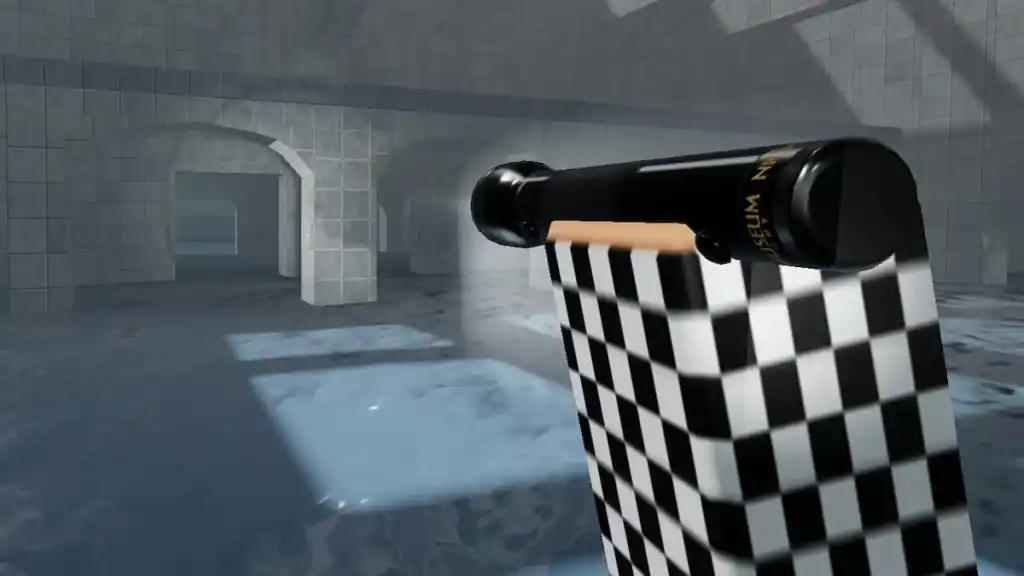
Press F on PC, LB on Xbox or L1 on PlayStation to turn your light on or off. There are four lights: the Flashlight, Lantern, Headlamp and Night Vision. Buy them in the Item Shop, then equip one in your inventory from the main menu.
How to use utilities, powers and usables in Evade
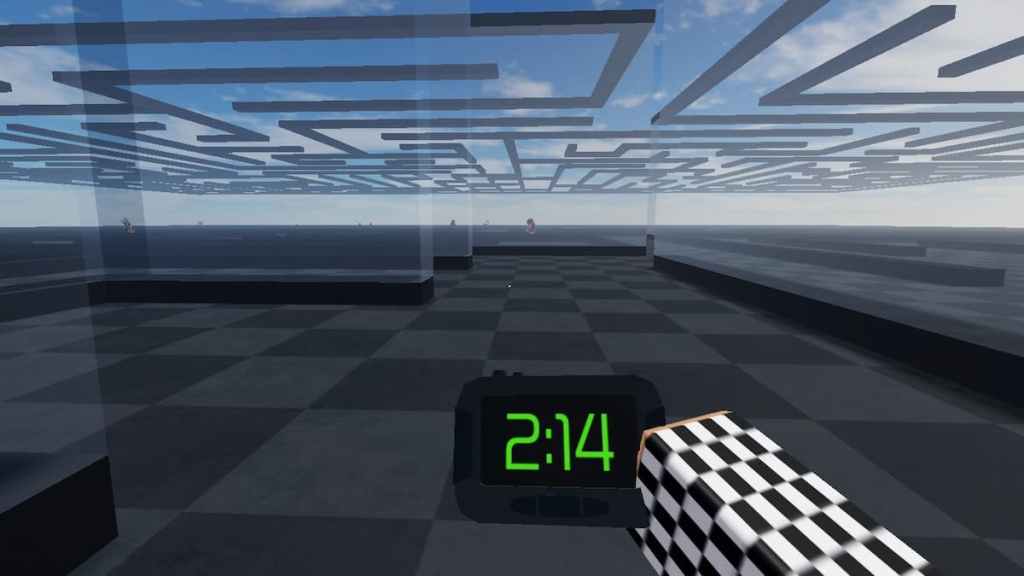
Evade splits its items into three groups, and each uses a different key:
- Utilities (press 1): The Compass, Radio, Timer, Radar and Decoy Panel. These help you track the round timer, objectives and Nextbots.
- Powers: The Grapple, Breacher and Stun Baton, the strongest tools in the game. They go in their own Power slot.
- Usables (press 2 to open the wheel): Consumables like the Cola (speed boost), Revive Grenade, Decoy Grenade, Smoke Grenade and Defibrillator. There are also deployables you place on the map: Floodlight, Beacon, Barrier, Sensor, Landmine, Teleporter, Speed Pad and Jump Pad.
Buying a utility or power in the Item Shop gives you three of them. You can have three deployables on the map at once, or nine with the Mil-Grade Pack. The Halloween 2026 update also lets you upgrade deployables and utilities with tokens and XP.
How to crouch and slide in Evade
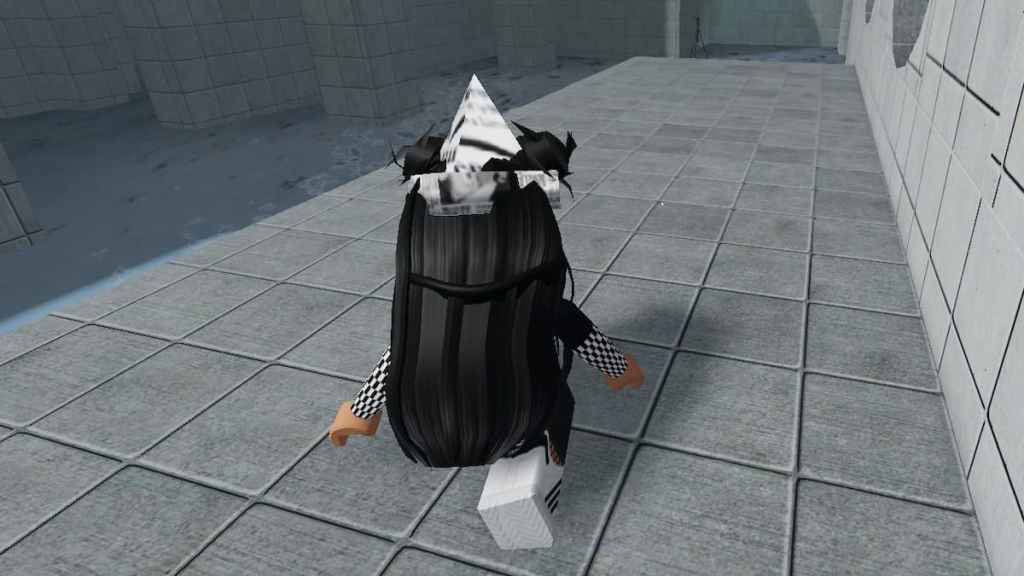
Hold C or Ctrl on PC, RT on Xbox or R2 on PlayStation to crouch under obstacles and hide. Press the same button while running to slide. Sliding into a door bashes it open, which is the fastest way through a building with a Nextbot behind you. Sliding also keeps your speed better than running, which is the basis of the speed tricks further down.
How to revive and carry players in Evade
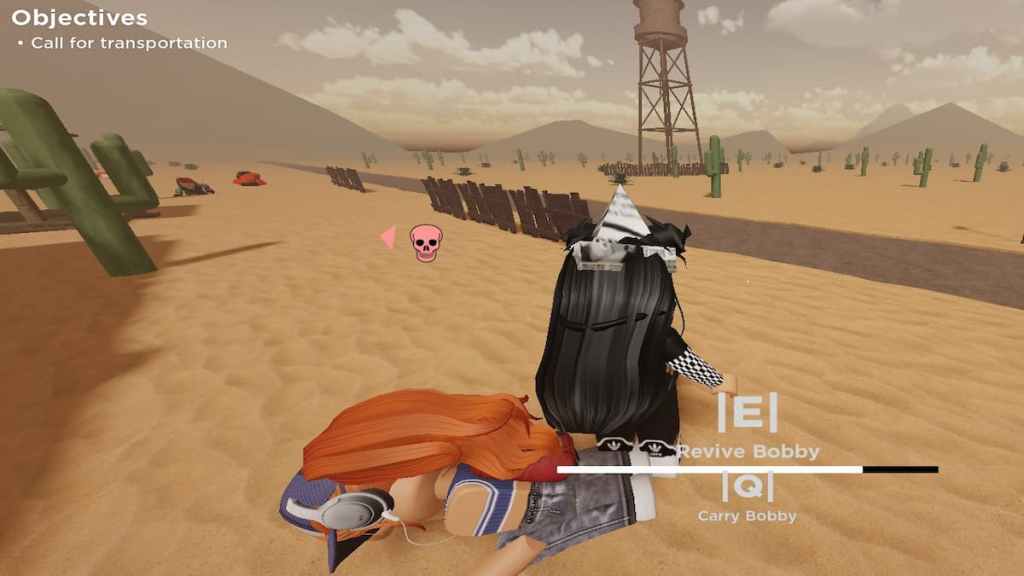
When a Nextbot catches a teammate, they go down and need help. Walk up to them and hold E (Y on Xbox, △ on PlayStation) until the bar fills. If a bot is coming, press Q (X on Xbox, ○ on PlayStation) to carry them somewhere safe first. Every revive earns you money.
The Halloween 2026 update added Vouchers, a new currency you can spend on quick revives and respawns. The Revive Grenade and Defibrillator let you revive from a distance.
How to whistle, emote and dash in Evade
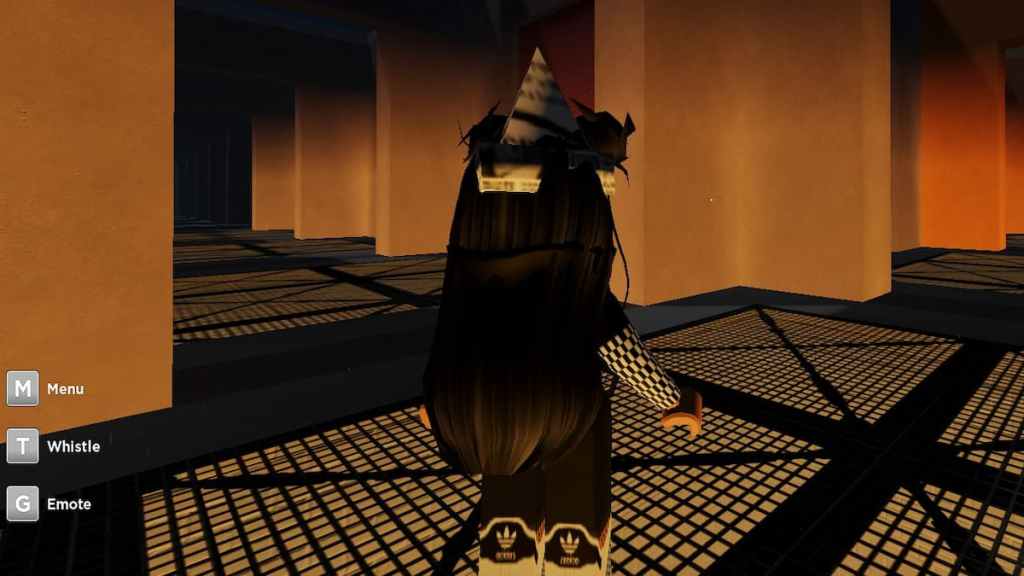
Press T to whistle. It highlights you for your team, even while you're downed, so they can find you. To emote, equip an emote in the Character menu, then press G (D-Pad Up on controller). If you have the Boost Pack, press V to dash. If you also own the Boombox, the dash and the Boombox menu are split between V and H.
Related: How to emote in Evade
How to change POV and turn around in Evade
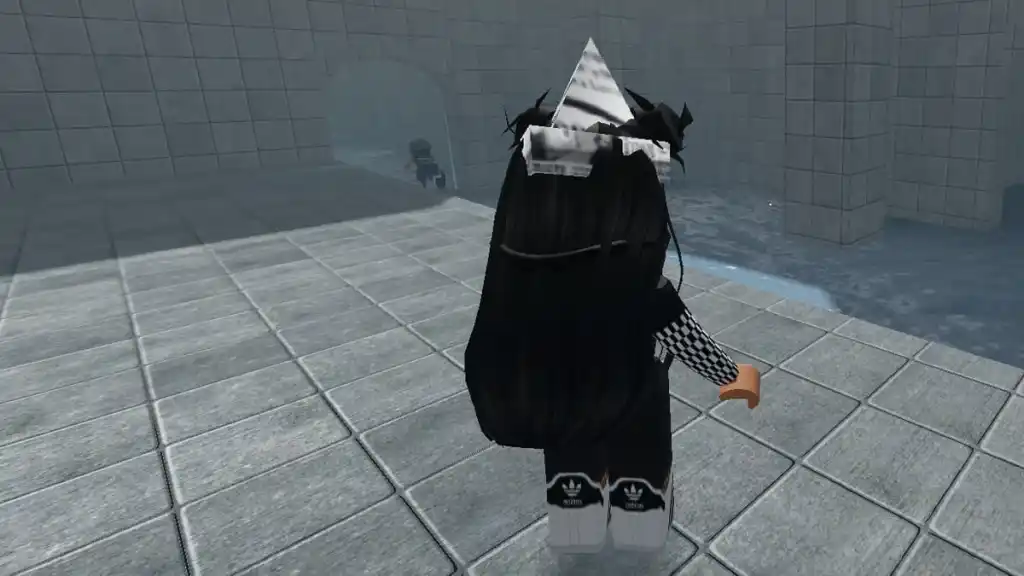
You start in first person. Press O or click the middle mouse button to switch to third person, which makes it easier to see Nextbots behind you. Press R to instantly turn around, which is handy for checking a chase without slowing down.
How to open the leaderboard and menu in Evade
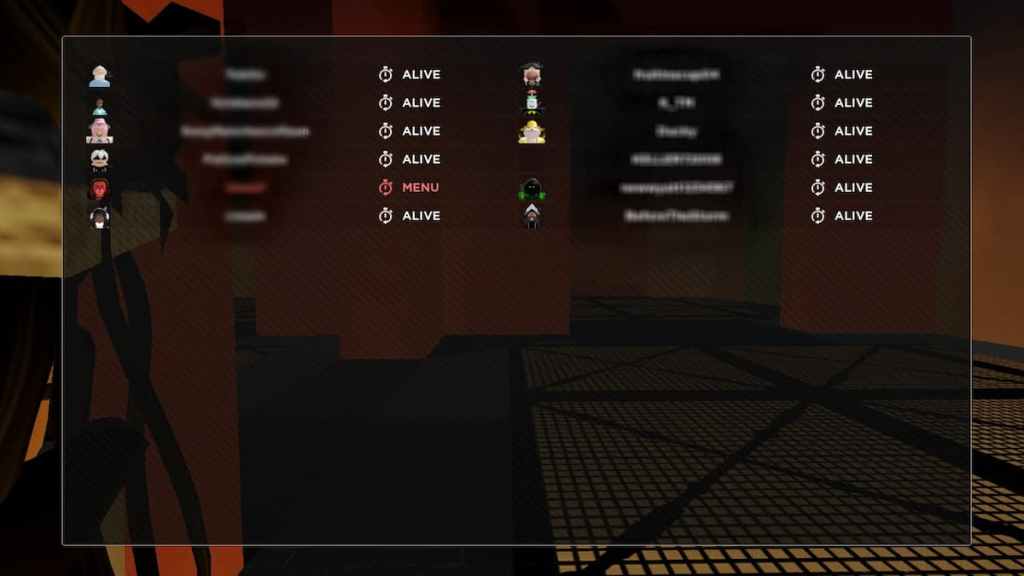
Hold Tab to open the leaderboard. It shows who is alive and who is downed, so you know who needs a revive. Press M to go back to the main menu, where you can change game modes and open the revamped shop, Battle Pass and weekly missions. VIP server owners can press N to open the server panel.
How to get 100 speed in Evade on mobile
Running alone won't get you anywhere near 100 speed. Players measure a normal slide at about 55 speed and good flick hopping at 60–65. To get past that, you have to chain movement tricks so you spend as little time on the ground as possible, because touching the ground costs speed. On mobile:
- Bunny hop correctly: Get a running start, then tap jump the moment you land. Don't hold the jump button, because holding it slows you down.
- Air-strafe with two thumbs: While in the air, drag the camera slightly left with your right thumb and push the joystick left with your left thumb. Switch both to the right on the next jump. Small camera turns work best, and turning too hard costs speed.
- Slide hop: At full speed, tap the crouch/slide button, then keep bunny hopping with slide held. This builds speed faster than a normal bhop and is the easiest trick to learn on a touchscreen.
- Trimp off slopes: Run fast at a ramp or slope (about 35–75 degrees) and jump off it early. You'll launch upward and forward with extra speed, which you can carry into your next bhop.
- Use speed items: Drink a Cola before a run and place a Speed Pad or Jump Pad in a straight line for a boost at the start of your chain.
- Raise your frame rate: Some tricks, like hitbox hopping, depend on frame rate. Lower Roblox's graphics quality and close background apps so your phone stays above 50 FPS.
- Connect a controller if you can: Roblox supports Bluetooth controllers on phones, and timing jumps on a physical button is much easier.
Practice in a quiet lobby or a free Evade private server first. On mobile the timing is tighter than on PC, but slide hopping and trimping alone are enough to outrun most Nextbots.
Evade Controls FAQ
How do you slide in Evade?
Run, then press C or Ctrl on PC, RT on Xbox, R2 on PlayStation or the crouch button on mobile. Sliding into doors breaks them open.
How do you go faster in Evade?
Bunny hop and air-strafe instead of running, slide hop at full speed, trimp off slopes, and use a Cola or Speed Pad. Each jump you time well keeps your momentum.
How do you emote in Evade on mobile?
Equip an emote in the Character menu, then tap the emote button on screen during a round. On PC the key is G.
What does the R key do in Evade?
R instantly turns your character around. When you're holding a gun in modes that have one, it reloads instead.
Looking for more Evade content? Check out our Evade codes, Evade Boombox song IDs and How to get cash and XP fast in Evade on Pro Game Guides!


