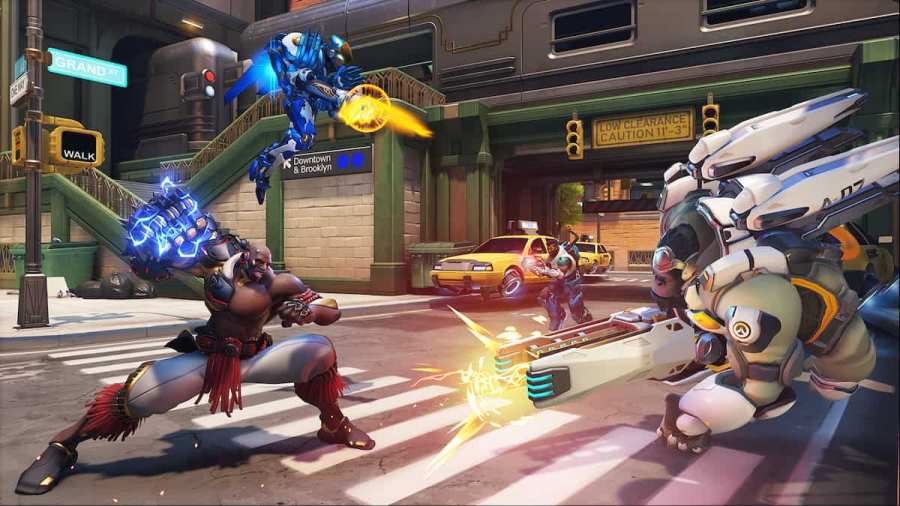
Overwatch 2 is the latest iteration/edition in the long-running Overwatch series. Being a tactical, ability-based shooter game like Valorant, several existing Valorant players are trying their hands at Overwatch 2. While most of the ability/movement controls are similar to Valorant, people tend to confuse themselves with the sensitivity settings as both the games are built on […]
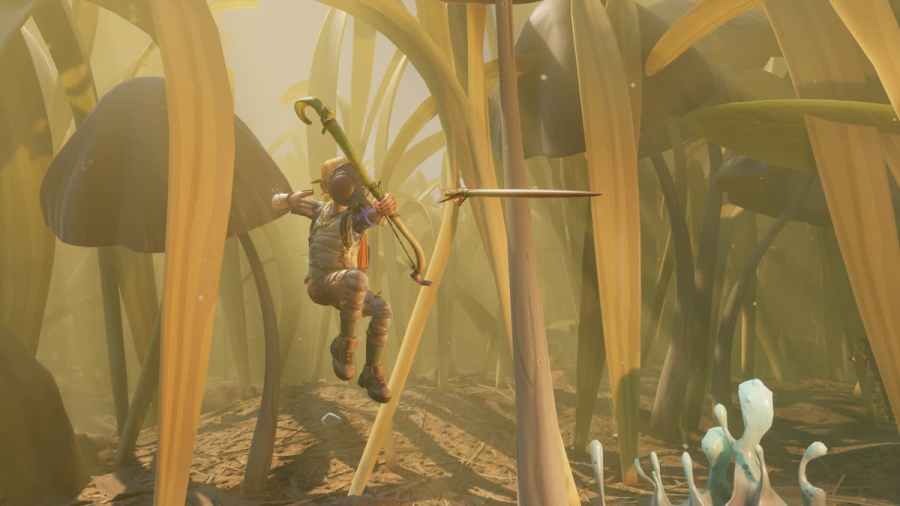
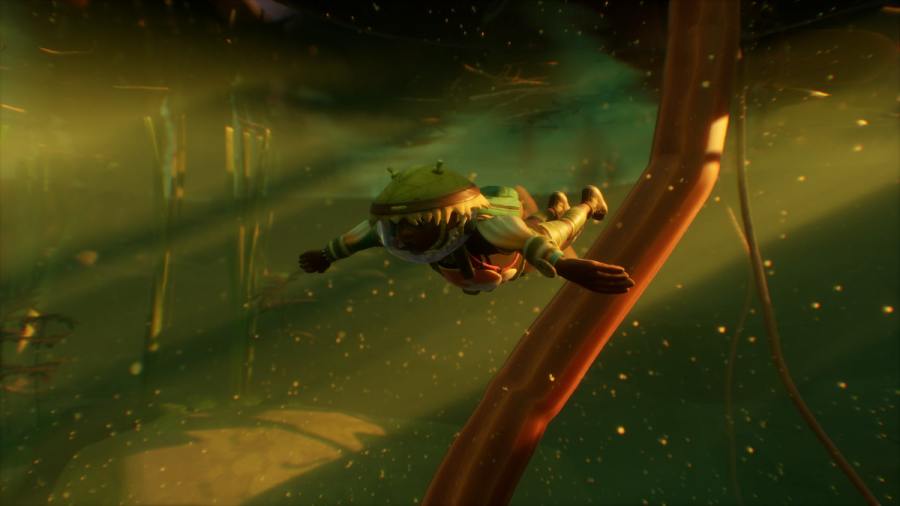
Milk Molars are collectible items in Grounded that allows players to upgrade their primary stats like health, stamina, and healing. As the name suggests, the collectible is in the form of a Molar tooth and spread throughout the map. So, if you are someone who is looking to gather all the 74 Milk Molars in […]
Hedge Lab is one of the most coveted landmarks in Grounded. During your game journey, you have to visit the lab to get the Hedge BURG.L chip that will unlock critical recipes like Ziplines/Ladder, helping you further advance in the game. As the name suggests, the Hedge Lab is located inside the Hedge Biome on […]
For unlocking several additional recipes in Grounded, users must find the various auxiliary BURG.L chips spread throughout the map. One such chip is the Picnic BURG.L chip locked inside a chest at the Minotaur Maze Landmark on the top of the Picnic Table. To access the chest box, players need to get hold of the […]
To complete the Puppy Love Challenge in BitLife, players will need to achieve the following main objectives: Download DogLife Have a perfect relationship with more than three dogs Walk your dog five times Bathe your dog five times Completing BitLife’s Puppy Love Challenge is easy once you know how to achieve each objective in the […]