Sometimes, while starting a new edition or version of FIFA like FIFA 23, players tend to change the name or logo of their registered FUT club for a bit of luck or a fresh look. Either way, you can always customize and rename your FUT club from the FIFA Ultimate club settings menu. How to rename your […]
One of the biggest bragging rights in the FIFA 23 community is the number of wins you have secured in the online version of the FIFA Ultimate Team. Unlike past editions of the game, where the accessibility of records was straightforward from the FUT screen, the current FIFA 23 requires you to browse some menus […]
FIFA 23 is now available for players as part of its early access starting today. Being a globally acclaimed series, EA Sports ships the title with a lot of language supportability. Some of which include French, Spanish, Portuguese and Arabic. To change the language in FIFA 23, you must browse the language menu while starting […]
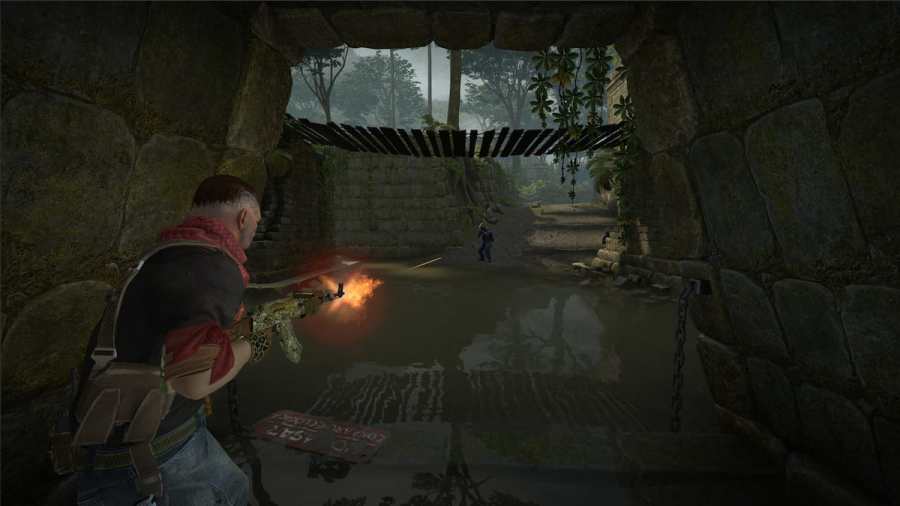
In a competitive tactical shooter game like CS: GO, map callouts play a vital role in executing your strategies as it eases out the aspect of location marking and helps you focus on the actual gun gameplay. While it is essential to learn the callouts of every map, you should start with something like Dust […]
To complete the Generous Boss Challenge in BitLife, players will need to achieve the following main objectives: Own a company with more than 20 facilities Own a company that sells more than five products Give employees more than $250k in bonuses Pay your employees the Big Bucks for over ten years Have a salary of […]