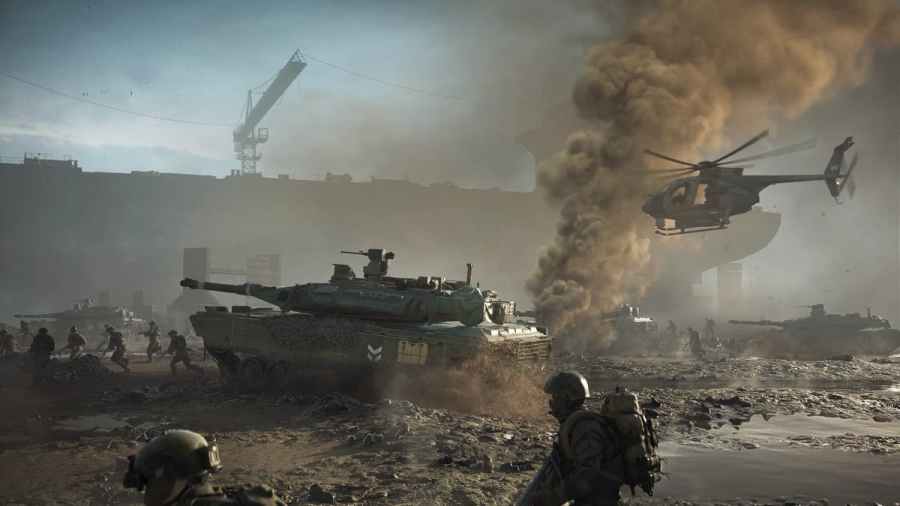
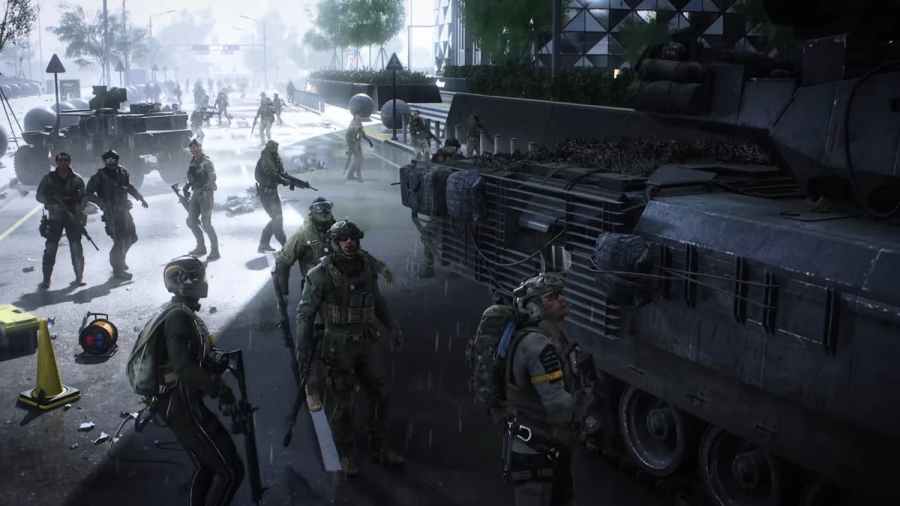
To check the server status of Battlefield 2042, you will need to visit a website such as Downdetector or official websites and social media accounts. Method 1: Downdetector Start by heading over to downdetector.com, a third-party site that displays the status of hundreds of online services, including Battlefield 2042. You can check the server status of […]
To fix the unable to load persistent data error on Battlefield 2042, players will need to do the following troubleshooting steps depending on their platform. For console users, you will need to turn your console off and unplug it. Leave it off for around two to four minutes. After time has passed, plug the console […]
To fix Battlefield 2042 crashing on PC, you will need to run several troubleshooting steps. The first and most simple of these steps is to try verifying game files. Depending on what platform you bought the game for, start by locating either the Steam or Origin app. For Steam, locate Battlefield 2042 in your Steam library […]
To fix the Battlefield 2042 2002g Error Code, players will need to simply restart their games and keep trying to load into the servers. Sooner or later, the game will allow you to join a server and play the game. You can also try the fixes laid out in our persistent data guide to fix Error […]
With Battlefield 2042 releasing, players eagerly anticipate the traditional Battlefield experience in their latest entry in the franchise. While Battlefield 2042 is known for its realistic combat, Battle Royales have exploded in popularity since its last release, leading players to question if 2042 will have a Battle Royale of its own. Battlefield 2042 does not […]