Updated October 7, 2026
- Fully updated for Pixelmon version 9.3.16 on Minecraft Java version 1.21.1.
- Added Trading Card Game (TCG) commands and other new commands.
- Commands are now categorized by function with complete syntax rules and examples.
- Removed outdated plugin commands. Checked every command in the current version of Pixelmon (9.3.16).
Pixelmon is mod that lets you bring Pokémon into Minecraft, but managing your adventure, setting up battles, or even running a server requires knowing the right commands. So, to help you do that, we have compiled a complete list of working commands for Pixelmon version 9.3.16 on Minecraft Java version 1.21.1, adding the exact syntax you need and practical examples so you can become the ultimate Pokémon master.
What Are the Most Useful Commands in Pixelmon?
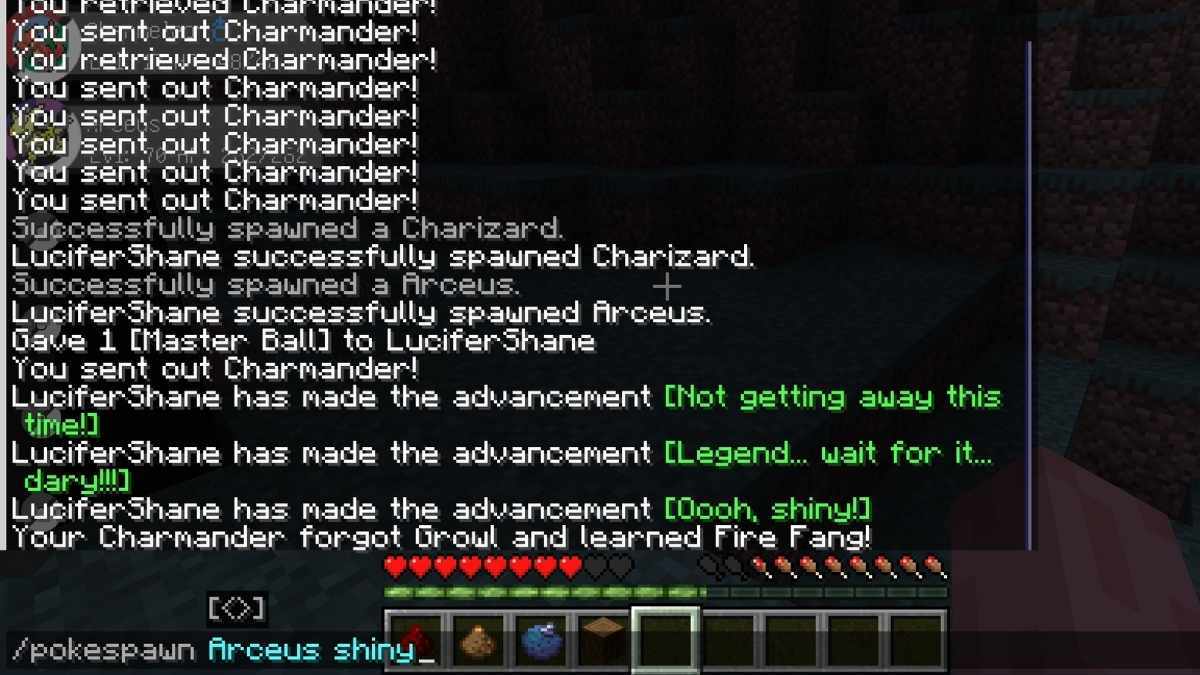
There are over 30 different commands to use in Pixelmon and memorizing them all can be quite a hassle. So, if you only memorize a handful of commands, make it these. They are the most useful ones for your everyday gameplay.
| Command | Effect | Syntax & Example |
| /pokeheal | Heals your entire party instantly. | /pokeheal [player]Example: /pokeheal Steve |
| /pc | Opens your PC storage from anywhere. | /pc [box]Example: /pc 2 |
| /pokespawn | Spawns a specific or random Pokémon. | /pokespawn <Pokémon | random> [arguments]Example: /pokespawn Charizard shiny |
| /ivs or /evs | Checks the hidden stats of a Pokémon in your party. | /ivs <slot>Example: /ivs 1 |
| /pokebattle | Initiates a battle between players or NPCs. | /pokebattle <player> <participant2>Example: /pokebattle Steve random |
| /give | Used to give items to players. | /give [player] <item>Example: |
| /wiki | In-game encyclopedia for Pokémon info (moves, spawns). | /wiki <Pokémon> <info>Example: /wiki Gengar moves |
What are the Player Commands in Pixelmon?
These commands are the most common player commands in Pixelmon which you can use to manage your money, progression, items and other inventory items.
| Command | Effect | Syntax & Example |
| /battlelog | Exports your battle log (must be in a battle). | /battlelog [player]Example: /battlelog Steve |
| /dynamaxband | Gives a Dynamax Band to Dynamax Pokémon. | /dynamaxband <player>Example: /dynamaxband Steve |
| /givemoney | Gives (or removes) PokéDollars to a player. | /givemoney <player> <amount>Example: /givemoney Steve 1000 |
| /givepixelsprite | Gives the player a photo depicting the specified Pokémon. | /givepixelsprite <player> <Pokémon> [arguments]Example: /givepixelsprite Steve Pikachu |
| /megaring | Gives a Mega Ring to Mega Evolve Pokémon. | /megaring <player>Example: /megaring Steve |
| /pay | Transfers PokéDollars to another player. | /pay <player> <amount>Example: /pay Steve 500 |
| /pc | Opens your PC storage or a specific box. | /pc [box]Example: /pc 1 |
| /redeemfossil | Redeems a held fossil into a Pokémon. | /redeemfossil [all]Example: /redeemfossil all |
| /research | Manages player research tasks and progression. | /research get <player> <all/[research]>Example: /research get Steve all |
| /starter | Opens the starter selection menu. | /starter [player]Example: /starter Steve |
| /warpplate | Sets a warp plate to specific coordinates. | /warpplate set <x> <y> <z>Example: /warpplate set 100 64 -200 |
| /wiki | Displays in-game info about a Pokémon. | /wiki <Pokémon> <info>Example: /wiki Eevee evolution |
What are the Pokémon Commands in Pixelmon?
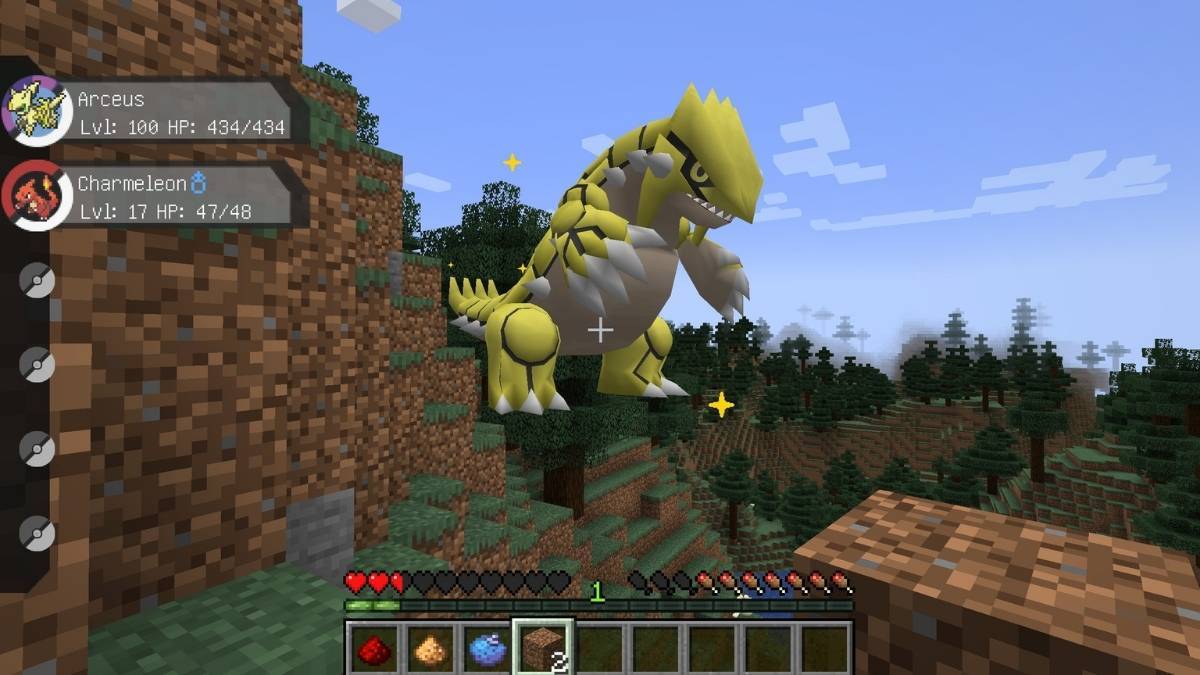
Apart from your own inventory, you can also use commands to directly manage, edit, and check the status of the Pokémon in your party or PC. Here's all the relevant commands which let you do that:
| Command | Effect | Syntax & Example |
| /breed | Gives an Egg resulting from two specific party Pokémon. | /breed <player> <slot 1> <slot 2>Example: /breed Steve 1 2 |
| /catchingcharm | Gives or removes a Catching Charm. | /catchingcharm <[player] [remove]>Example: /catchingcharm Steve |
| /compedit | Edits a Pokémon inside a PC using a Pokémon Spec. | /compedit <player> <box> <slot> <Spec>Example: /compedit Steve 1 1 shiny |
| /compsearch | Searches a PC for a specific Pokémon Spec. | /compsearch <player> <spec>Example: /compsearch Steve lvl:100 |
| /compsee | Shows all of the Pokémon in the specified box in the player's PC. | /compsee <player> <box>Example: /compsee Steve 1 |
| /comptake | Takes the Pokémon in the specified box and slot and gives it to the user. | /comptake <player> <box> <slot>Example: /comptake Steve 1 1 |
| /comptest | Checks whether the Pokémon in the PC matches the given Spec. | /comptest <player> <box> <position> <Spec>Example: /comptest Steve 1 1 shiny |
| /dexcheck | Checks your total caught Pokémon count. | /dexcheckExample: /dexcheck |
| /eggsteps | Shows the steps required to hatch an Egg. | /eggsteps <player> <slot>Example: /eggsteps Steve 1 |
| /evs | Checks the Effort Values (EVs) of a Pokémon. | /evs <slot>Example: /evs 1 |
| /expcharm | Gives the player an experience charm. | /expcharm <[player] [remove]>Example: /expcharm Steve |
| /fillcurrydex | Fills a Curry Dex, completely or by rating. | /fillcurrydex [player] [rating] [page] [flavor]Example: /fillcurrydex Steve 5 |
| /filldex | Fills a Pokédex up to a given percentage. | /filldex [player] [percentage]Example: /filldex Steve 100 |
| /hiddenpower | Displays the type/power of Hidden Power for a Pokémon. | /hiddenpower <position>Example: /hiddenpower 1 |
| /ivs | Checks the Individual Values (IVs) of a Pokémon. | /ivs <slot>Example: /ivs 1 |
| /learnmove | Forces a Pokémon to attempt to learn a specific move. | /learnmove <player> <slot> <move>Example: /learnmove Steve 1 Tackle |
| /levelling | Toggles whether a Pokémon can gain experience. | /levelling [player] <slot> <on|off>Example: /levelling Steve 1 off |
| /markcharm | Gives the player a mark charm. | /markcharm <[player] [remove]>Example: /markcharm Steve |
| /movelist | Lists all the moves that the specified Pokémon can learn. | /movelist <pokemon>Example: /movelist Pikachu |
| /ovalcharm | Gives the player an oval charm. | /ovalcharm <[player] [remove]>Example: /ovalcharm Steve |
| /pokeclone | Duplicates a specified Pokémon in the party. | /pokeclone <player> <slot>Example: /pokeclone Steve 1 |
| /pokecolor | Changes a Pokémon's nickname using formatting codes. | /pokecolor <slot> <color code> <text>Example: /pokecolor 1 &c Fire |
| /pokedel | Removes Pokémon from a party or PC. | /pokedel <player> <party/pc> <slot>Example: /pokedel Steve party 1 |
| /pokeedit | Edits a Pokémon in a party slot using a Spec. | /pokeedit <player> <slot> <spec>Example: /pokeedit Steve 1 shiny |
| /pokeevolve | Evolves a Pokémon (use -f to force conditions). | /pokeevolve <player> <slot> [-f]Example: /pokeevolve Steve 1 -f |
| /pokegive | Puts a Pokémon directly into a player's party or PC. | /pokegive <player> <Pokémon>Example: /pokegive Steve Pikachu |
| /pokeheal | Heals all Pokémon in the specified player's party. | /pokeheal [player]Example: /pokeheal Steve |
| /pokeretrieve | Returns all party Pokémon to their Poké Balls. | /pokeretrieve <player/all>Example: /pokeretrieve all |
| /pokesee | Shows the exact contents of a player's party. | /pokesee <player>Example: /pokesee Steve |
| /pokesell | Gives the specified player a Pokémon from your party for free. | /pokesell <player> <position> [-f]Example: /pokesell Steve 1 |
| /poketake | Takes a Pokémon from another player's party/PC. | /poketake <player> <slot>Example: /poketake Steve 1 |
| /poketest | Checks whether the Pokémon in the party matches the given Spec. | /poketest <player> <[spec/slot]> <[spec]>Example: /poketest Steve 1 shiny |
| /setparty | Permanently sets the levels of all party Pokémon. | /setparty <level> [moves]Example: /setparty 50 |
| /shinycharm | Gives the player a shiny charm. | /shinycharm <[player] [remove]>Example: /shinycharm Steve |
| /spectest | Tests if the Pokémon you are looking at matches the Spec. | /spectest [PokéSpec]Example: /spectest islegendary |
| /teach | Causes the Pokémon to attempt to learn a move (ignoring normal requirements). | /teach <player> [position] <move>Example: /teach Steve 1 Fly |
| /tms | Displays a list of TMs compatible with a Pokémon. | /tms <Pokémon>Example: /tms Pikachu |
| /tradesim | Simulates a trade, triggering trade evolutions. | /tradesim <position>Example: /tradesim 1 |
| /unlock | Unlocks Pokémon stuck in a ranch block. | /unlock <player>Example: /unlock Steve |
What are the Spawn Commands in Pixelmon?
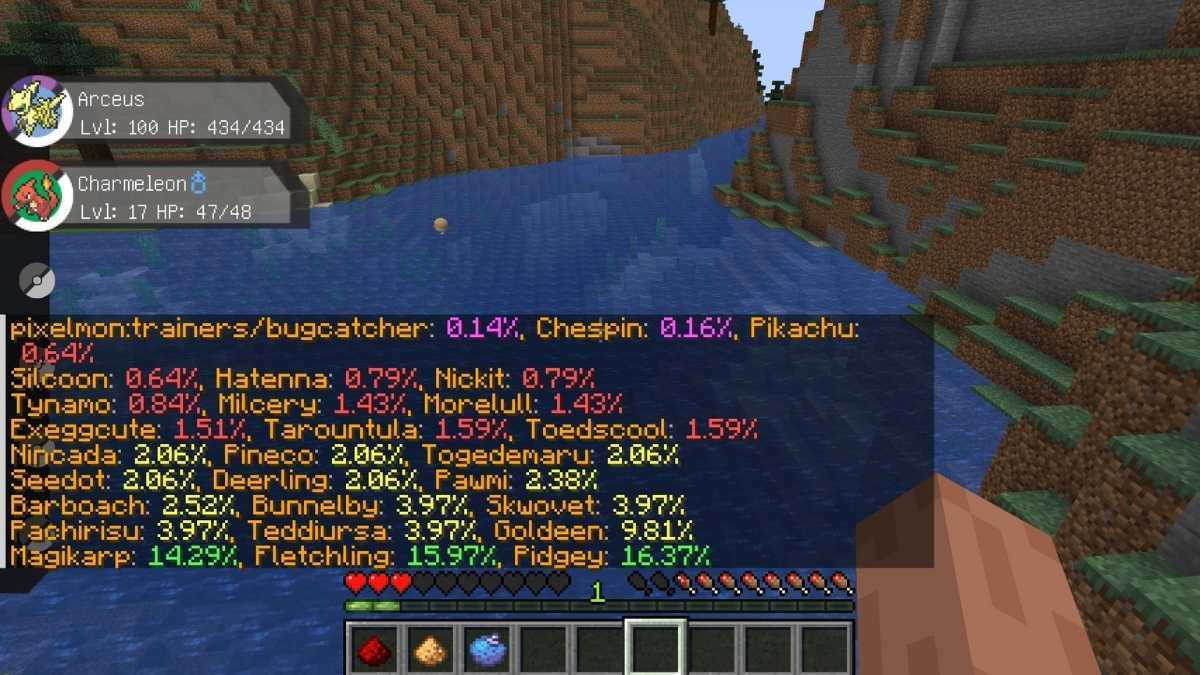
Using commands in Pixelmon also let you change the environment, trigger specific legendary spawns, or check what is spawning around you. Here's all of them:
| Command | Effect | Syntax & Example |
| /checkspawns | Lists percent-chance of Pokémon spawning in your area. | /checkspawns [specific | type]Example: /checkspawns specific |
| /legendaryspawn | Attempts to force a legendary Pokémon to spawn nearby. | /legendaryspawnExample: /legendaryspawn |
| /pokebomb | Changes wild Pokémon nearby to match a specific Spec. | /pokebomb <spec>Example: /pokebomb shiny |
| /pokespawn | Spawns a chosen Pokémon (or random) at your location. | /pokespawn <Pokémon | random>Example: /pokespawn Pikachu |
| /spawning | Toggles Pixelmon spawning on/off or runs diagnostics. | /spawning [on | off | dignostic]Example: /spawning off |
| /statuespawn | Spawns a decorative statue of a Pokémon. | /statuespawn <spec>Example: /statuespawn Pikachu |
| /struc | Spawns a random or specific Pixelmon structure (e.g., Gym). | /struc <structure> [<level>]Example: /struc pokemon_center |
What are the Battle Commands in Pixelmon?
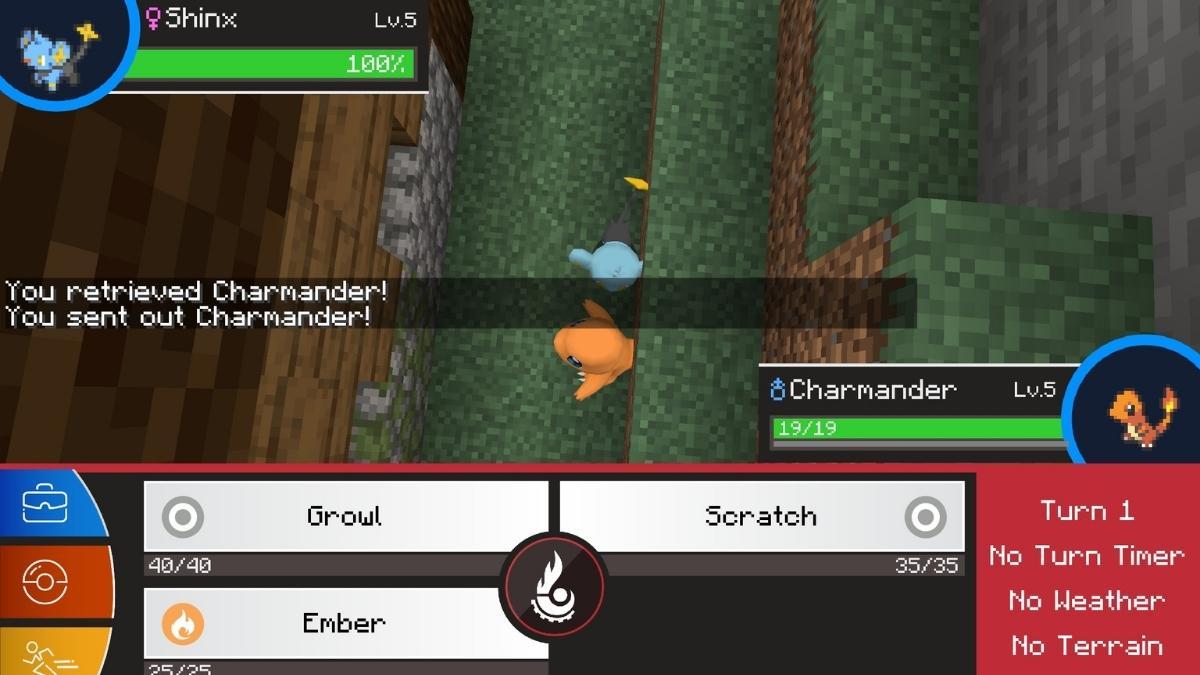
You can also manage ongoing battles or watch other players fight using commands in Pixelmon. Here are all the battle related commands you should know about:
| Command | Effect | Syntax & Example |
| /disablebattle | Disables battles against other players for a user. | /disablebattle <player>Example: /disablebattle Steve |
| /endbattle | Immediately ends the battle a player is currently in. | /endbattle [player]Example: /endbattle Steve |
| /pokebattle | Initiates a battle between Players, NPCs, or Pokémon. | /pokebattle <player> <participant2>Example: /pokebattle Steve random |
| /pokefaint | Causes the selected player's party to faint instantly. | /pokefaint <player>Example: /pokefaint Steve |
| /pokestats | Displays a player's PvP win and loss record. | /pokestats <player>Example: /pokestats Steve |
| /resetpokestats | Resets a player's PvP win/loss record to 0. | /resetpokestats <player>Example: /resetpokestats Steve |
| /spectate | Starts or stops spectating an ongoing battle. | /spectate [player]Example: /spectate Steve |
What are the Admin Commands in Pixelmon?
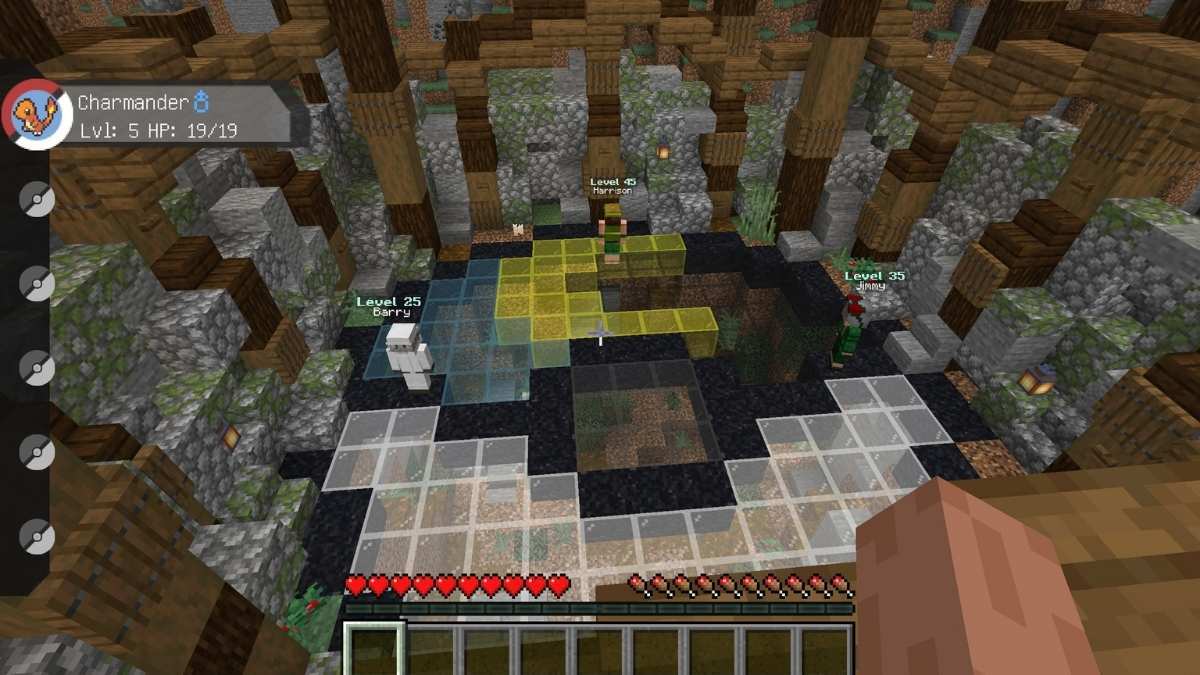
If you plan on creating a server using Pixelmon, there are various server-side commands for testing and managing the world. Here's all of them:
| Command | Effect | Syntax & Example |
| /freeze | Freezes all Pokémon in the world in place. | /freezeExample: /freeze |
| /hatch | Instantly hatches the Egg in a specific party slot. | /hatch <player> <position>Example: /hatch Steve 1 |
| /npckill | Removes all NPCs of a specified type from the world. | /npckill <world> <type>Example: /npckill world trader |
| /pokekill | Despawns wild Pokémon. Can target specific specs. | /pokekill <[spec]>Example: /pokekill Pidgey |
| /pokereset | Resets a Pokémon to level 5, wiping its stats. | /pokereset <player> <slot> [level]Example: /pokereset Steve 1 10 |
| /pokerestart | Wipes a player's progress, returning to starter screen. | /pokerestart <player>Example: /pokerestart Steve |
| /pokesave | Immediately saves player storage data to the server. | /pokesave <all | flush | player>Example: /pokesave all |
| /printstore | Logs brief descriptions of all currently loaded storage data. | /printstoreExample: /printstore |
| /psnapshot | Copies and pastes structural selections (like custom Gyms). | /psnapshot <save | read | place>Example: /psnapshot save mygym |
| /setraid | Sets a Raid Den to host a specific Pokémon/star level. | /setraid <den UUID> <stars> <spec>Example: /setraid nearest 5 Charizard |
| /setstage | Forcibly sets a player to a specific Quest stage. | /setstage <quest> <stage> [player]Example: /setstage main 2 Steve |
What other Commands are there in Pixelmon?
There are additional commands which are related to modes like the Trading Card Game (TCG) and other progressions which can be useful from time to time. Here's a list of all of them:
| Command | Effect | Syntax & Example |
| /completeallquests | Completes all active Quests for the selected player. | /completeallquests <player>Example: /completeallquests Steve |
| /pokereload | Reloads data from external JSON files without restarting. | /pokereloadExample: /pokereload |
| /redeem | Manages hats, sashes, special textures, or opens a GUI. | /redeem <gui | hat | slot | toggle>Example: /redeem gui |
| /reloadquests | Reloads all the available External JSON files for Quests. | /reloadquestsExample: /reloadquests |
| /tcg help | Displays details on how to play the Pixelmon TCG. | /tcg help <card | deck | battle>Example: /tcg help deck |
| /tcg give | Gives a player a specific TCG card, deck, or pack. | /tcg give <item> <player> <name>Example: /tcg give deck Steve brushfire |
| /tcg endbattle | Immediately ends an active TCG battle. | /tcg endbattleExample: /tcg endbattle |
Frequently Asked Questions (FAQs)
These commands are checked and updated for Pixelmon version 9.3.16 running on Minecraft Java version 1.21.1.
You can use Pokémon Specs (arguments) added to the end of commands. For example, instead of just typing /pokespawn Charizard, you can type /pokespawn Charizard shiny lvl:50 to spawn a level 50 shiny variant.
To use Pixelmon commands in Multiplayer, you need Minecraft cheat privileges or specific permission nodes configured via a plugin like LuckPerms. If you are on a single-player world, make sure you enabled "Allow Commands" when generating the world.
For more on Pixelmon and Minecraft, check out How to craft a healer in Pixelmon or Pixelmon Tower Defense Codes on Pro Game Guides!