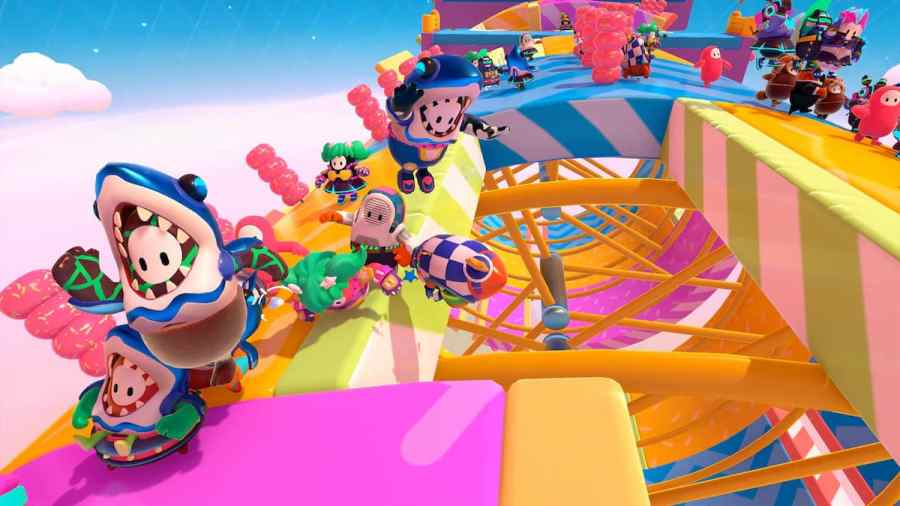
Fall Guys is an exciting competitive battle royale-style platformer. You play as a Bean, fully customizable, of course, and compete with other Beans to claim the crown and become a champion. As a platformer, you will need to master the movement in Fall Guys, including climbing. This can be a tricky skill to learn, so […]
Alongside its transition into a free-to-play game, Fall Guys: Ultimate Knockout has recently received a complete reboot. Season 1 for Fall Guys Free for All features 7 new rounds that players can experience at launch. Here’s a guide to how the new rounds and obstacles work and the best strategies to win them. Hex-a-Ring In […]
If you are wondering if the Fall Guys servers are down, the best possible way to check is to look for the server status of Fall Guys. To check Fall Guys’ server status, you will need to check a website such as Downdetector. Downdetector, if you didn’t know already, is a neat and handy site […]
Fall Guys: Ultimate Knockout was rebooted June 21 following a new seasonal update. Besides transitioning into a free-to-play Battle Royale game, Fall Guys has seen several other changes too. Since the recent update, the game’s availability on the Microsoft Windows (PC) platform has been revisited. Let’s take a closer look. Can you still play Fall […]
Fall Guys has gone free-to-play on PlayStation, Steam, Nintendo Switch, and Xbox and features cross-progression and cross play across all platforms. Players can jump into the new Fall Guys season on one console and keep their hard-earned progress on any other platform. To transfer progress in Fall Guys, you must first link your accounts to […]