The Genshin Impact Brewing Developments event runs from April 13, 2023, to April 24, 2023, featuring four combat challenges to test your team’s fighting prowess. During the first eight days of the event, a new challenge will unlock every two days. Complete them all to get 360 Primogems and other amazing rewards! How to unlock […]
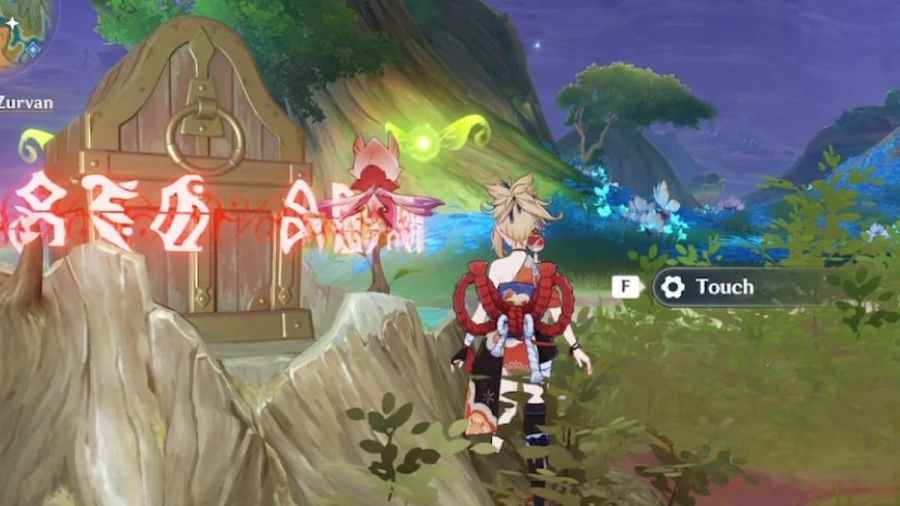
Each of the seven nations of Teyvat, and even certain subregions have unique puzzles for you to solve. In the Vourukasha Oasis, you’ll find Khvarena Mayflies, little green fairies, surrounding treasure chests. Want to know how to loot those treasure chests? We’ve got you covered. Here’s how to solve the Khvarena Mayfly puzzles in Genshin […]
Each region of Teyvat in Genshin Impact has two weekly bosses that you can challenge only once per week. They can be long fights, but the rewards are worth the effort. The second weekly boss added to Sumeru, the Guardian of Apep’s Oasis, can be challenged and defeated to gain Mora, Nagadus Emerald pieces, Dream […]
There are many types of rocks and ores in Genshin Impact. Typically, you’ll be able to break them easily using Zhongli’s pillar, or the attacks of other Claymore characters. However, there are some brightly colored orange rocks, Amarita Rocks, in the northern most part of Sumeru’s desert that can not be broken by traditional means. […]
Genshin Impact is one of the most popular free-to-play games that falls under the gacha style genre. The game is known for its impressive graphics and is played by millions of people worldwide. However, players may run into technical issues such as the “Failed to Replace Files” error when launching the game on their PC. […]