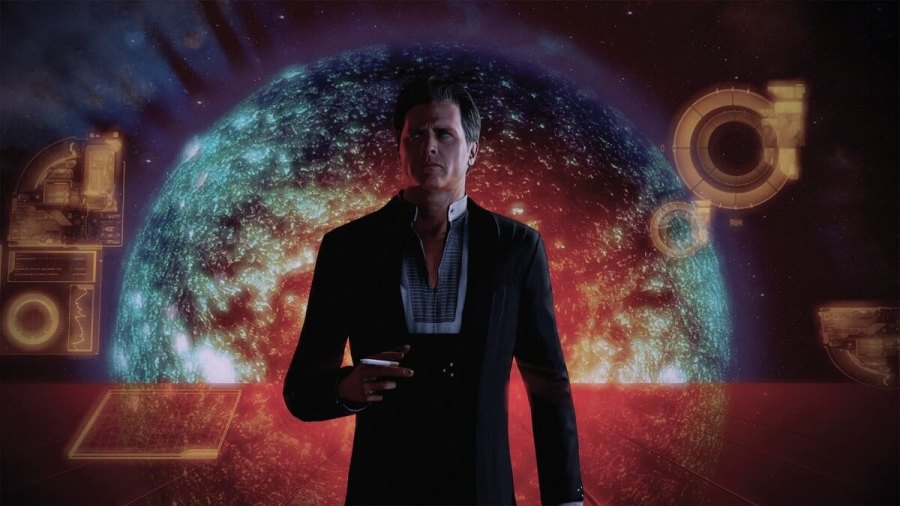
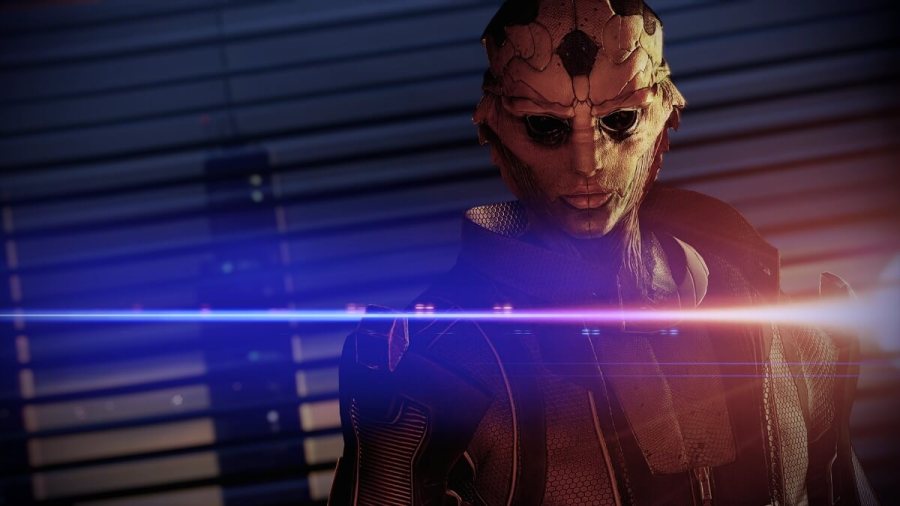
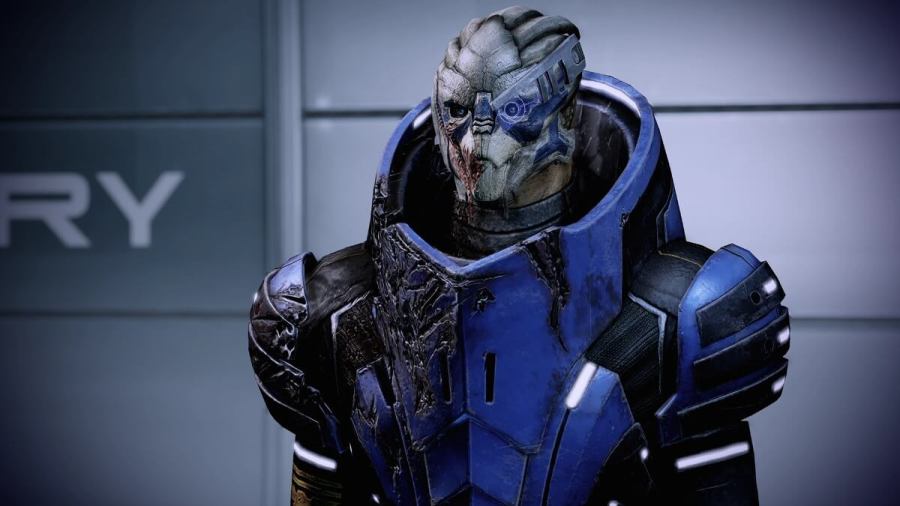
To import your character in Mass Effect Legendary Edition, you must first create your character in the first game. After this, you will need to complete the entirety of the previous game. This means you will need to play through the game and complete the very last mission in the game. When you have done so, the […]
Mass Effect Legendary Edition’s character creation system has been expanded to include a ton of new options and has been overalled. The most notable of all the improvements is that players will now be able to keep their character’s appearance the same throughout all three games. To accomplish this, players will be given a unique […]
To fix crashes in Mass Effect Legendary Edition, you will need to try the following. Unplug any Xbox accessories. Turn off wireless headset or use a wired headset Launch Mass Effect from the dashboard. Choose which version of the game you want to play. When you are at the title screen, plug back any accessories and turn your headset […]
The Legendary Edition of Mass Effect is soon to be released, so here is everything you need to know about preloading it. Where can you preload Mass Effect: Legendary Edition? Players who pre-ordered Mass Effect can preload the game on every platform as of yesterday, as announced by the official Mass Effect Twitter account. How to preload Mass Effect: Legendary Edition […]