Minecraft’s 1.20 Trails and Tales update added many items that most players, including myself, struggle to understand. One such item is a brush, and its use remains unknown to most players. Luckily, we at PGG created this guide so players like you can return to enjoying Minecraft’s 1.20 update. How to use a brush in […]
Minecraft is a game that allows me to express myself in hundreds of ways. However, one of the most important means of self-expression inside the game is my username. The name that appears in chat and the one floating above my head is a key part of my in-game identity, which is something very important […]
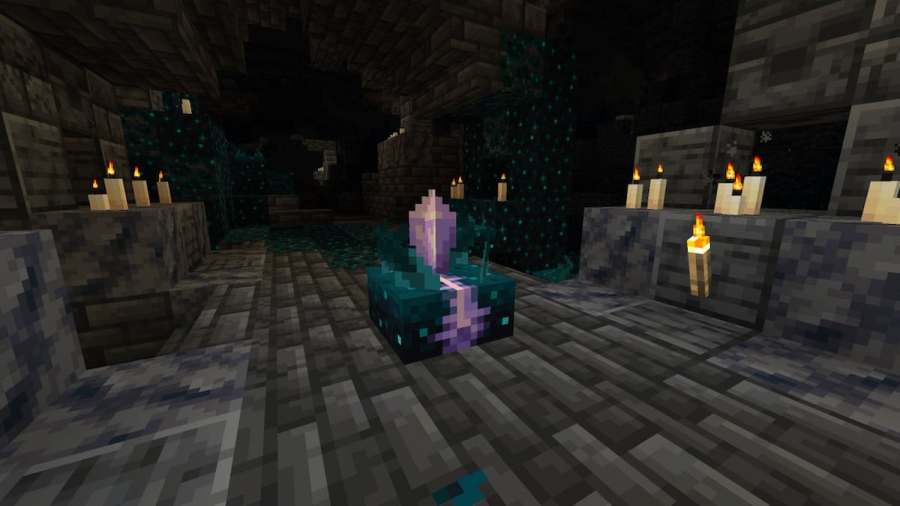
Introduced as a new feature for Minecraft 1.20, Calibrated Sculk Sensors filter vibrations under a specified frequency. This, coupled with the ability of Amethyst blocks to re-emit frequencies as separate vibrations has created a method of creating long-range transmissions and frequencies in Minecraft. Here’s how to craft a Calibrated Skult Sensor in Minecraft. Crafting a […]
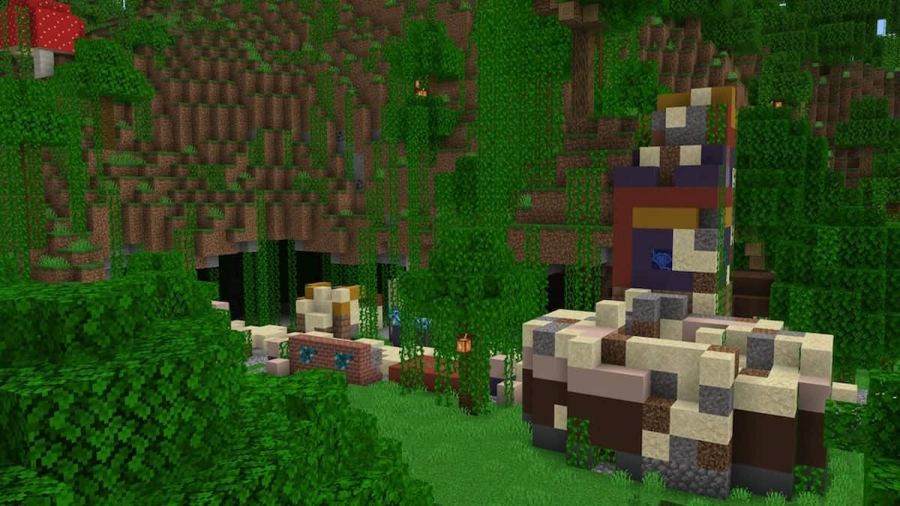
Trail Ruins are one of the introductions brought in the Minecraft 1.20 update. Resembling ruined villages from a distant, lost civilization, they are both attractive to players and useful for their generation of unique resources, like suspicious sand. With the addition of archaeology to the 1.20 update, I couldn’t wait to get my hands dirty, […]
The PlayStation version of Minecraft received an update recently, addressing a long-standing issue players have been reporting. We have prepared this article to tell you everything regarding the new Minecraft 2.61 Update and its Patch Notes. Minecraft Realms broken after 2.61 update The 2.61 update for Minecraft unfortunately has caused a major issue for PlayStation […]