


While creating a Guild is easy in Sailor Piece, everybody gets confused about how to upload or get a customized Image for their Guild Icon. So, if you are one of them who have just started a Guild or are about to do so, here is a detailed guide on how to upload a Guild Image ID in Sailor Piece.
How to upload an image to Roblox
Basically, to use a Guild Image, you need to have the associated Image ID. For this, you first have to upload your Guild Icon Image to the platform. To do this, follow the steps below.
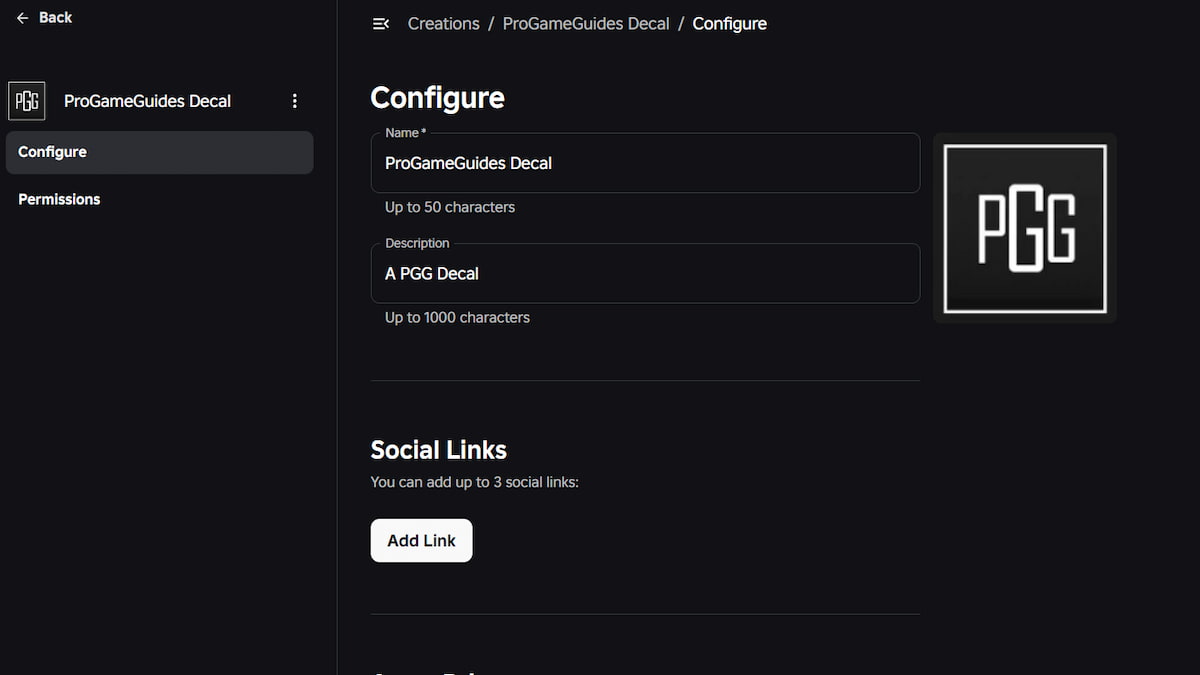
- Open the Roblox Asset Store on the browser.
- Log in to your Roblox Account and press the Creations on the left side of the menu.
- On the right section, select the Development Items and go to the Decals category.
- Use the Upload button to share your desired image on the platform.
- After uploading, head back to the Decals option under the same Development Items section to find your picture.
- Click on the three-striped dots on the image and copy the asset ID of the image.
Remember, all images uploaded to the platform must be under 20MB and in PNG, JPEG, TGA, or BMP format. Also, you can only upload one image at a time inside the platform.
How to use the Guild Image ID in Sailor Piece
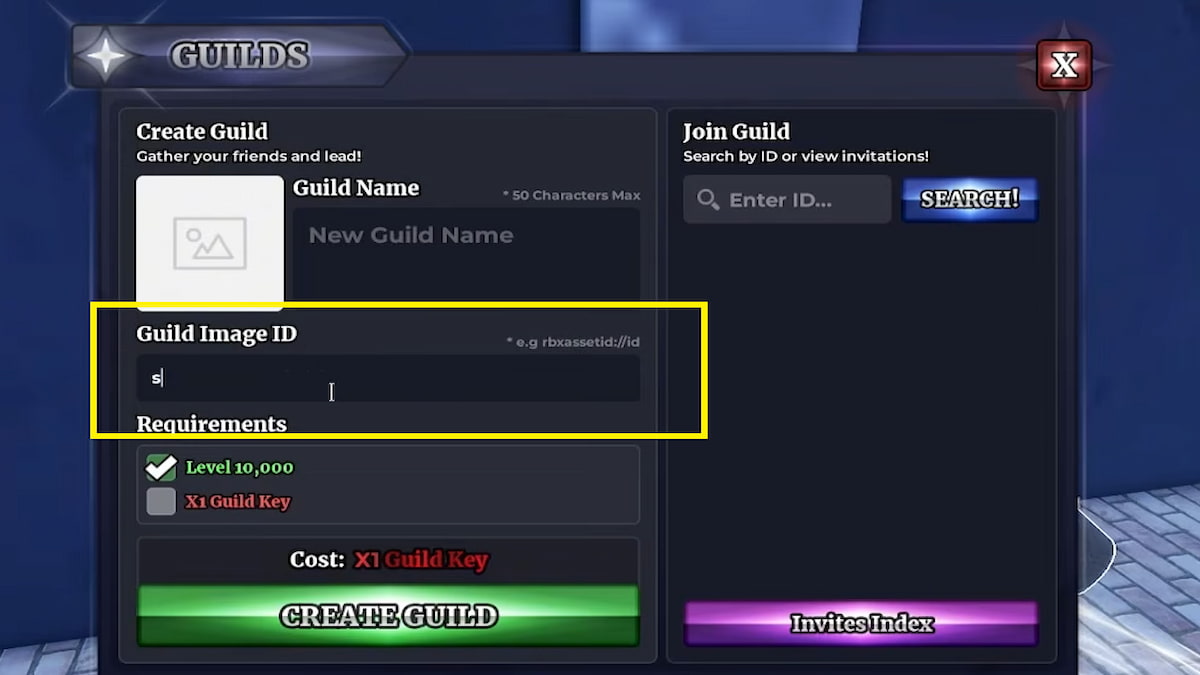
The next step for you to do is to use the Image ID as your Guild Icon Image. Travel to the second sea. Yes, you need to access the Second Sea by collecting two Ancient Fragments & the 7 map pieces. Once you have everything, teleport to Punch Island and meet the Guild's NPC at the road signal. Give a name for your Guild, and in the Guild Image ID section, paste the Decal ID of the image you have uploaded. Meet the given requirements and press the Create Guild button.
How to get more Guild Image IDs for Sailor Piece?
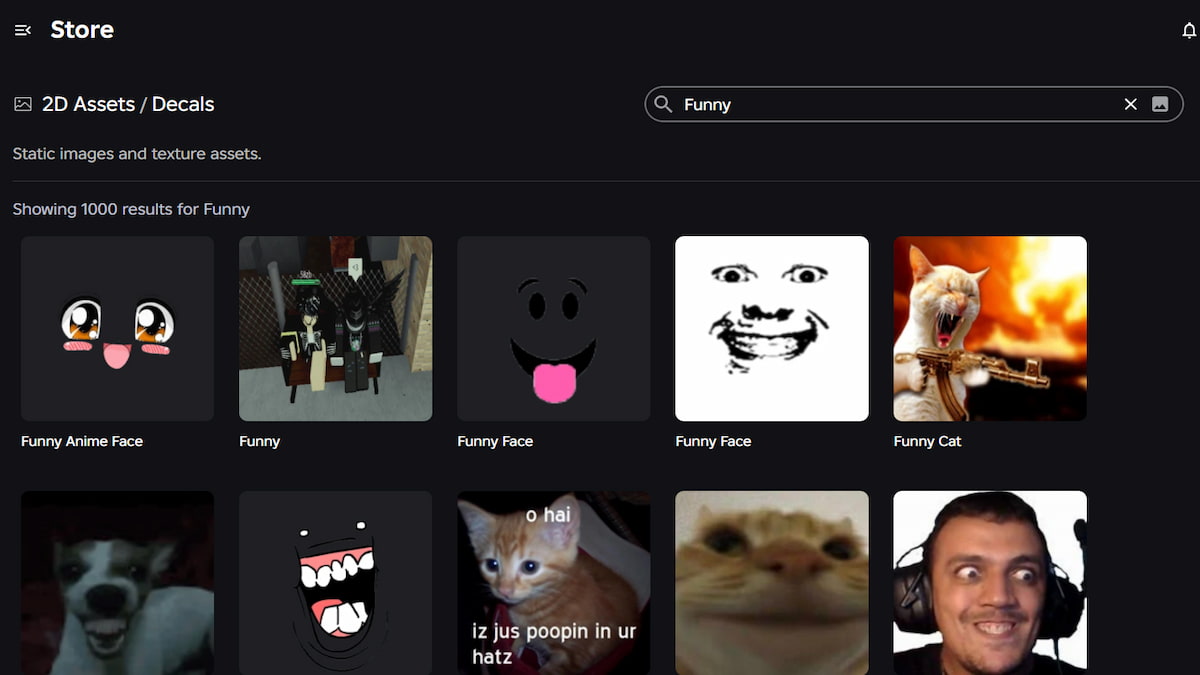
If you are lazy and don't want to upload an image to the platform, then you can use existing images from the Roblox platform as one of your Guild Icons. To do this, go to the Decals section in the Roblox Store. Then use the search option at the top of the menu to find the Decal Images you like. For example, if you want some funny images, type funny in the search bar to find related results. Scroll through the results and copy the asset ID from the top URL bar or the main page. Just paste this ID in the Guild Image ID input text box to use it.
Sailor Piece Guild FAQs
What are the requirements to start a Guild in Sailor Piece?
To start a Guild in Sailor Piece, you must be above level 10,000 and possess a Guild Key. Just keep playing the experience to level up, and for the Guild Key, you can defeat high-level NPCs in the 2nd sea or open Aura Crates.
Guilds are not only a place where you can compare your stats with friends, but also a place where you can team up with friends, get XP points, and get rewards from leaderboard positions.
Yes, you can trade Guild Keys in Sailor Piece like every other item in the game. The only drawback is that it is a rare item and may cost millions of Clan Rerolls to secure.
For more on Sailor Piece, check out All Sailor Piece Spec Passives & How to Get or Sailor Piece Trading Value List


