


Valorant is one of those few games in the market that mesmerizes you with its fancy cosmetic weapon skins, battle passes, and banner cards to spend your hard-earned money. While it is always a good gesture to support the developers by buying such items, you should also check the amount of money you spend on the game—it's easy to get carried away. In such scenarios, you should view and study your purchase history in Valorant. To see your purchase history of Valorant, you will need to visit the Valorant support page and log in to your account.
Recommended Videos
How to see your purchase history in Valorant
To do this, follow the given steps given below.
- Open the Valorant support page from the parent Riot Games website.
- After opening the link, sign in to your account using the appropriate details.
- Once you are in, you will be greeted with a page, as shown in the below image.
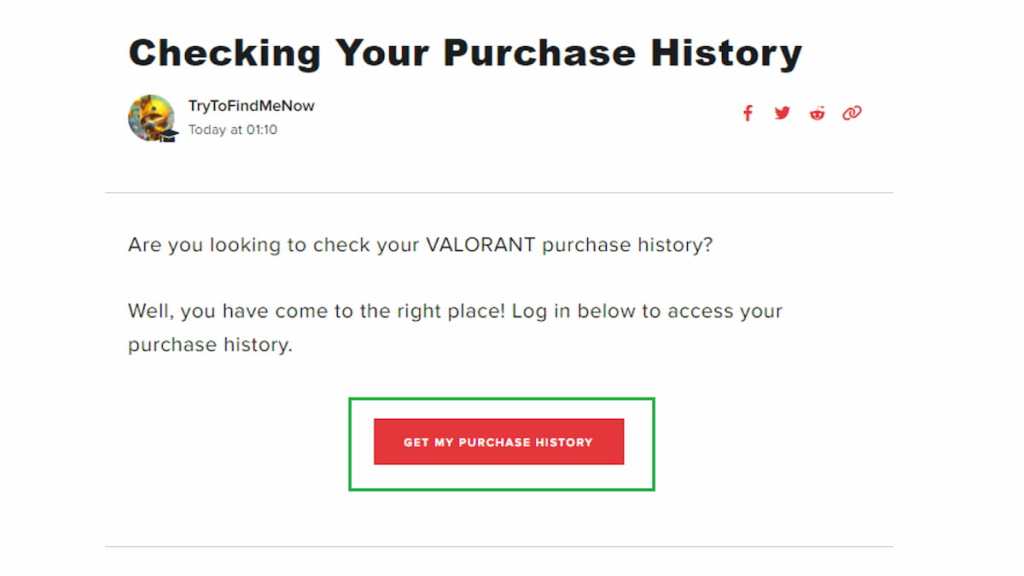
- Click on the big red "GET MY PURCHASE HISTORY" button in the middle of the screen.
- After clicking, you can see your previous purchase history in a table. The table will display the items you bought, the amount of money you spent on each item, and the payment method.
- If you think you need to refund some of your latest or unused items, you can do it from the same page itself.
For more on Valorant, check out How to Fix Lag in Valorant or How to optimize your Valorant settings for high FPSon Pro Game Guides.


